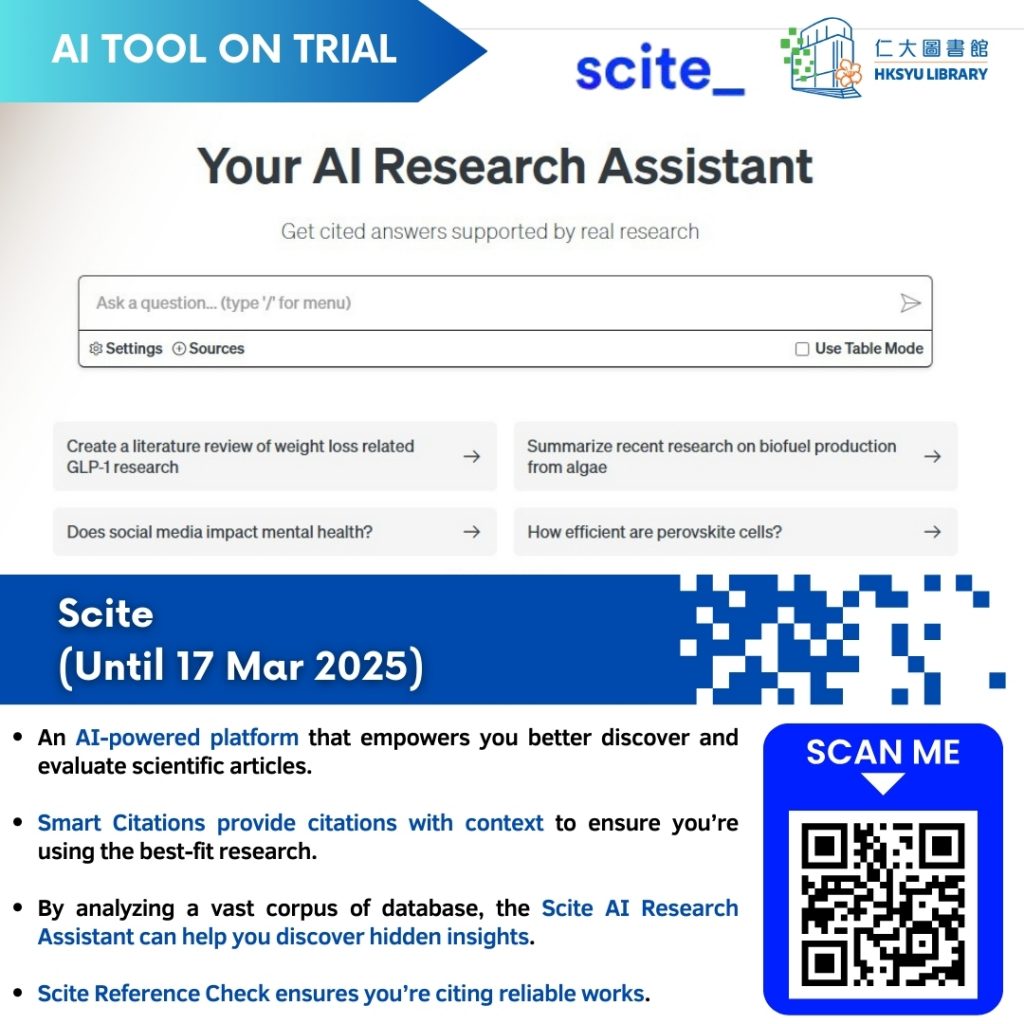
Scite is an AI-powered platform that helps you better discover and evaluate scientific articles regarding how they support or contradict the cited work. In addition to providing context on citations through Smart Citations, Scite also allows you to search the metadata of scholarly sources, manage article collections, and utilize an AI Assistant for generating ideas and improving your writing quality.
Please note: You are required to create an account to log in to Scite and use the features during the trial period.
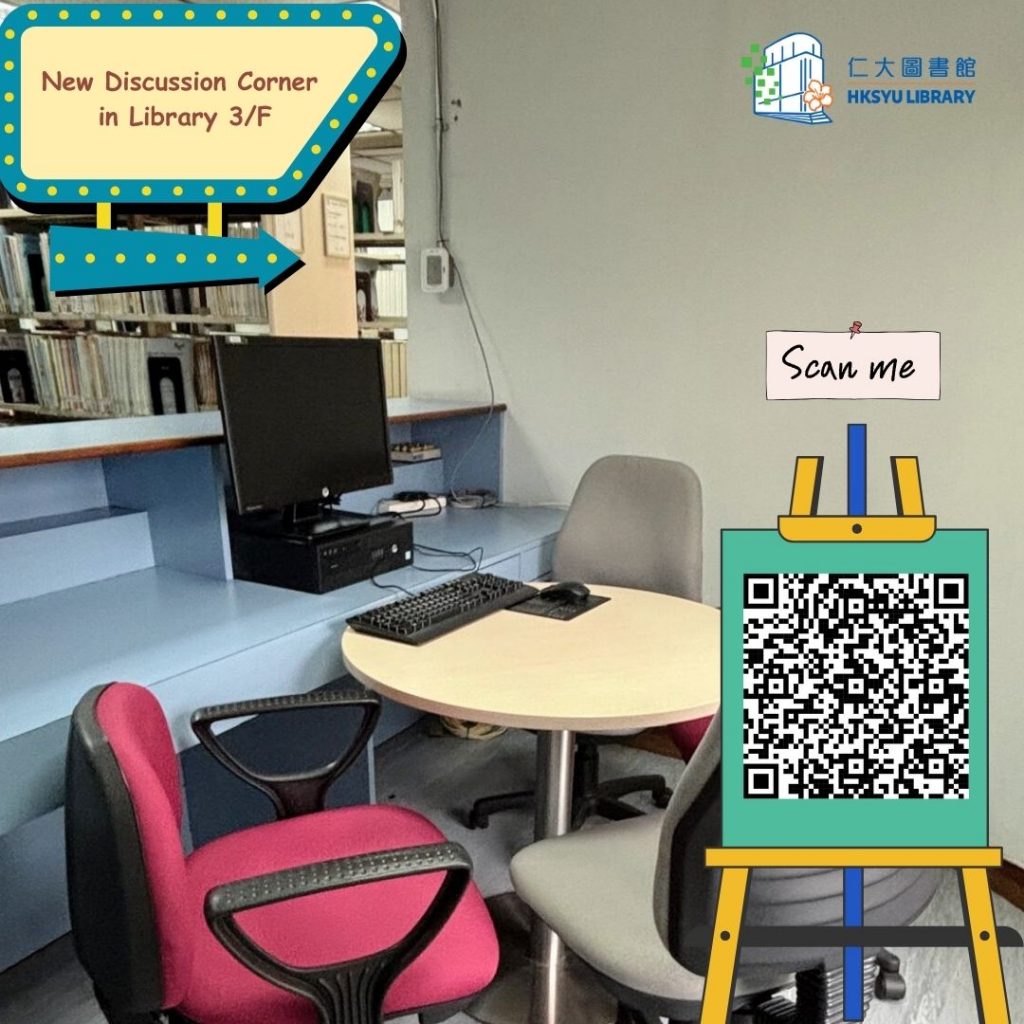
A new Discussion Corner on the 3/F of the Library is now available for booking. Take advantage of the space and keep up with your studies! 圖書館三樓增設了新的小組討論空間,歡迎預約使用,繼續加油! Room/Workstation Booking System 預約系統.
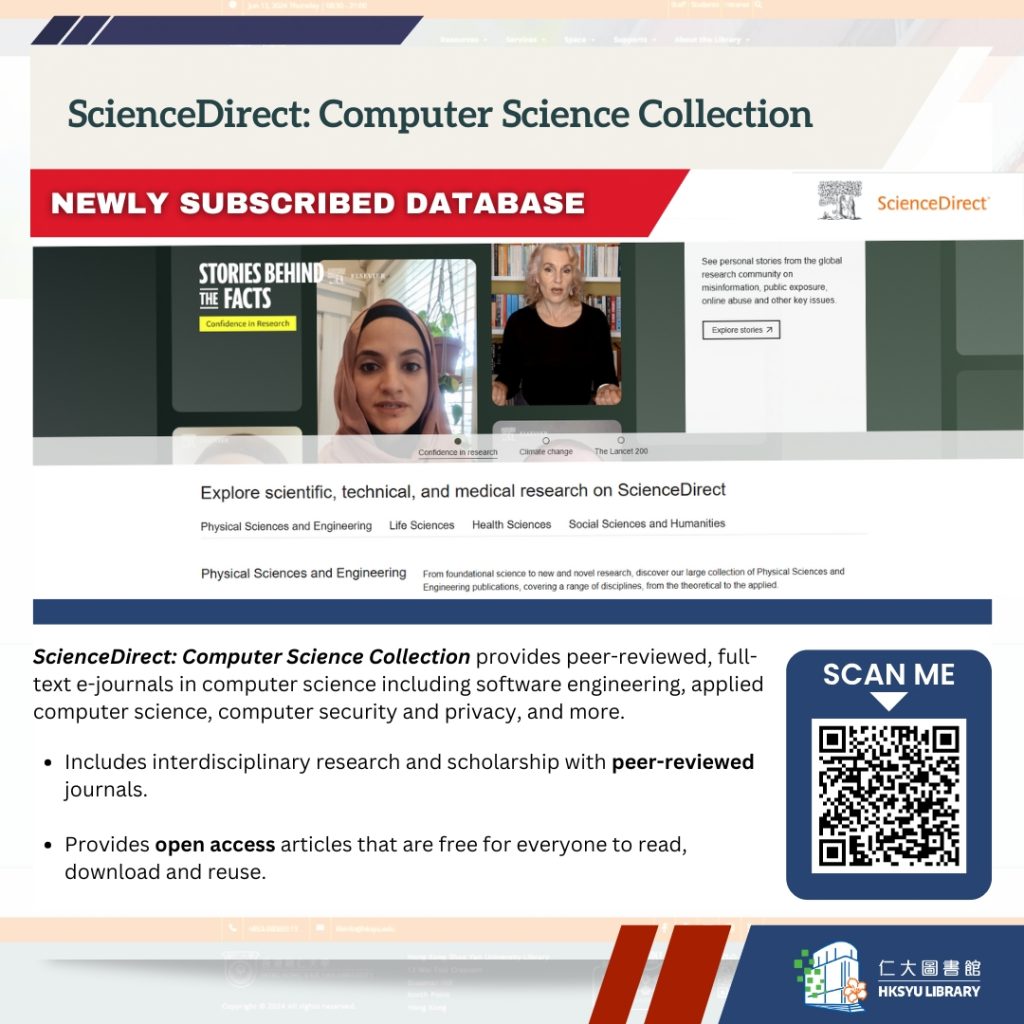
ScienceDirect is a database of peer-reviewed, full-text scientific, technical, and health literature, including open access content.
ScienceDirect: Computer Science Collection provides coverage of all areas of computer science, including software engineering, applied computer science, computer security, and privacy, to help you get up to speed with new and unfamiliar concepts in your area of interest.
Our latest digital collection of Elsie Tu Documents and Archives is now available online. It features 59 news articles, 24 historical documents, and 50 rare photographs. Anyone who wants to learn more about this active campaigner for public justice and social welfare in Hong Kong should not miss this opportunity.
This digital asset is for HKSYU staff and students only. Users have to sign in with their library accounts to view the collection.
(Alternatively, you can visit the Library homepage, click on “Go” under “Discover@ShueYan”, and then click on “COLLECTION DISCOVERY”. There, you will find the “杜葉錫恩檔案與文獻 Elsie Tu Documents and Archives “.)