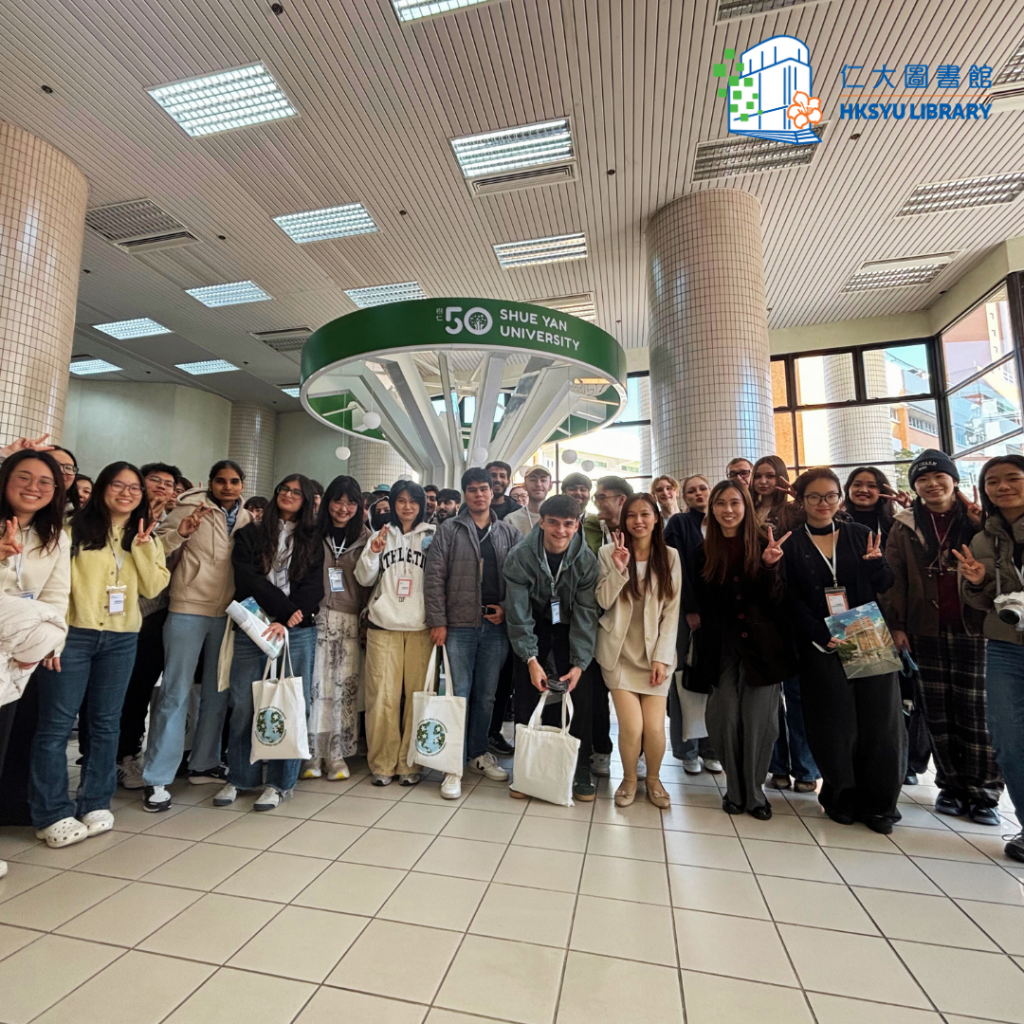
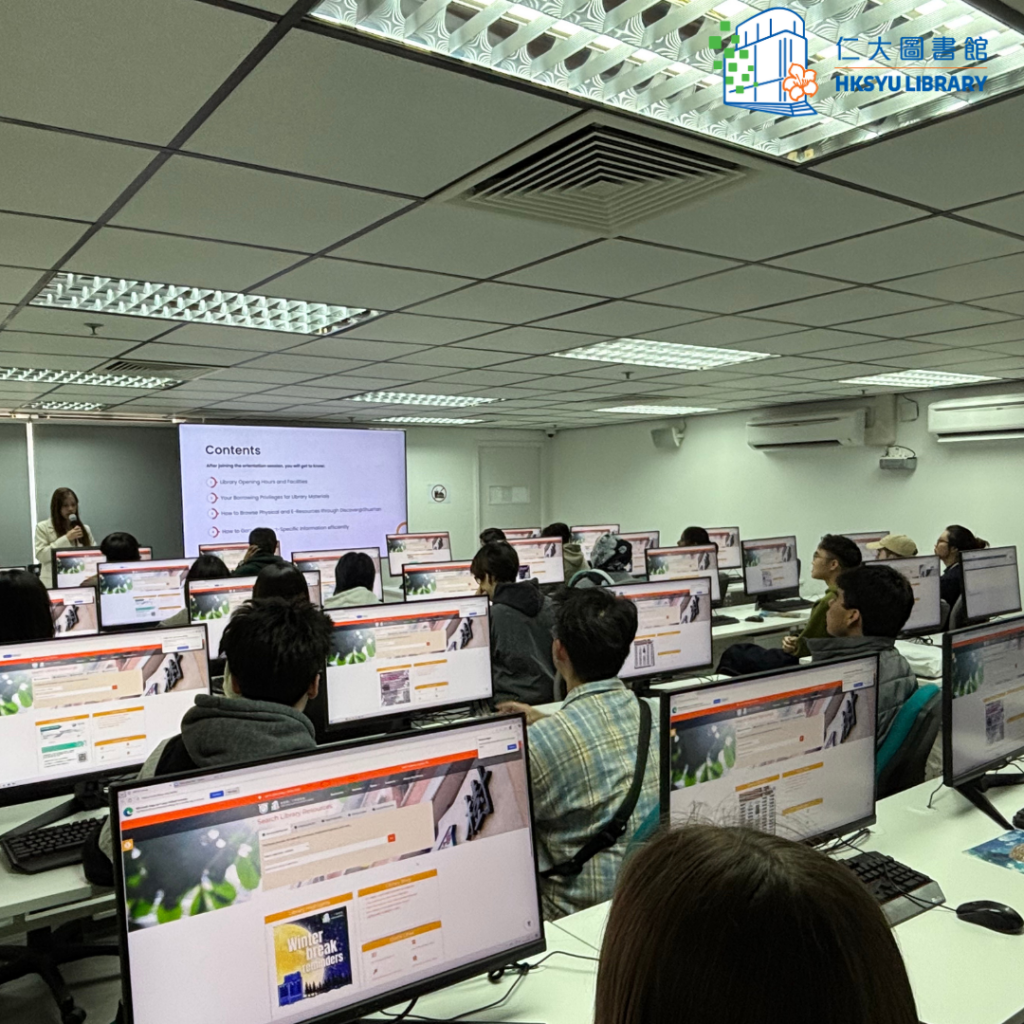
Thank you to the Inbound and IFYP students who visited the Library for orientation.
Hope to see you guys in the Library!
Thank you to the Inbound and IFYP students who visited the Library for orientation.
Hope to see you guys in the Library!

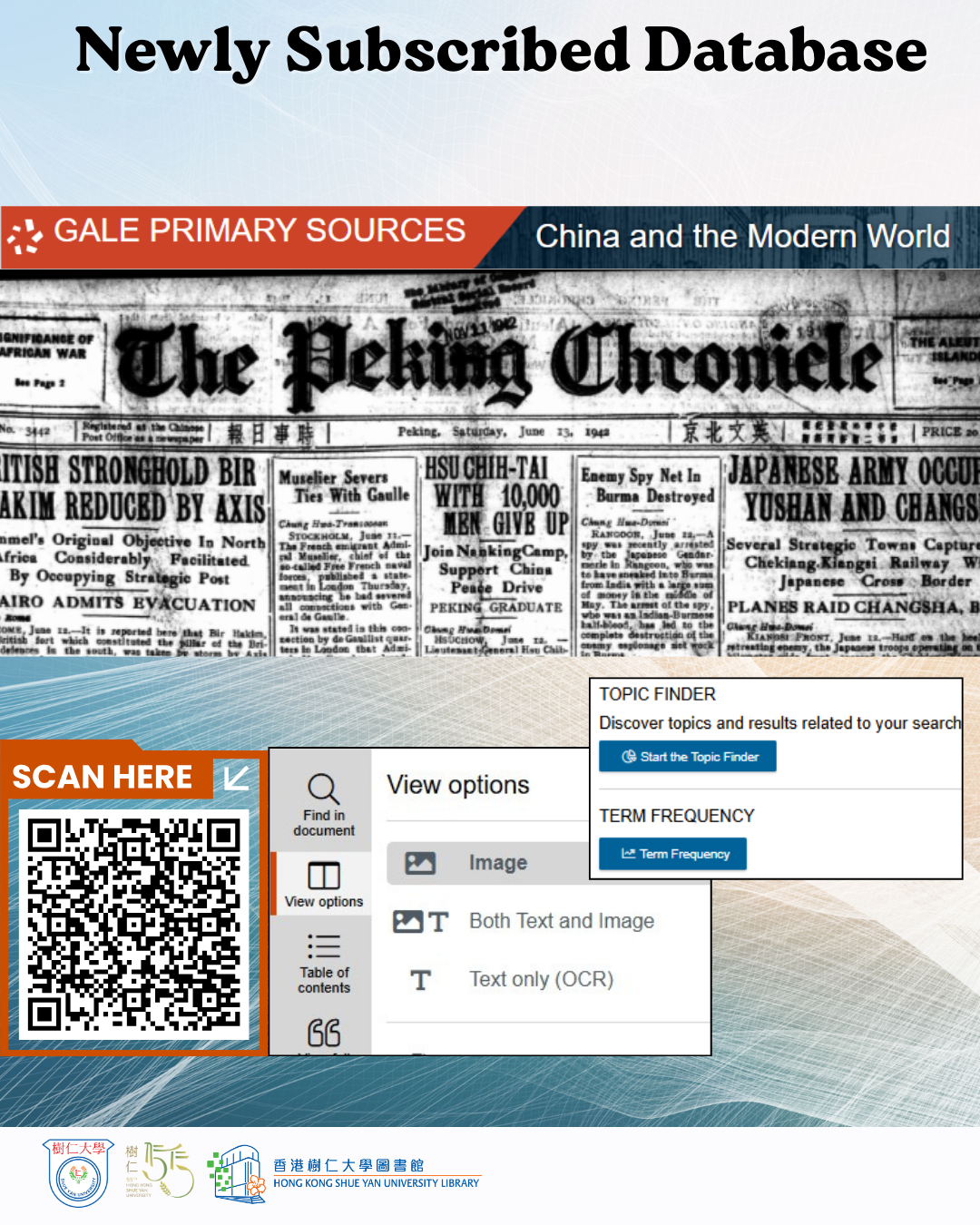
Discover a treasure trove of approximately 25 English-language newspapers and periodicals published in China over 150 years! This unique collection, spanning from 1827 to 1974, is essential for exploring pivotal historical events, including the Opium Wars, Taiping Rebellion, and Chinese Civil War.
Published in Hong Kong, Macau, and other Chinese cities, these resources offer invaluable insights into British colonialism, treaty ports, modern China history and international relations, as well as the history of English- language journalism in the region. This collection is ideal for research and teaching and is a must-have for anyone interested in China’s rich history!
For the details, please refer to our library webpage:
https://library.hksyu.edu/lib/SubjectsPlus/subjects/databases.php?letter=C
Use it to enhance your research now!
Database access link: https://bit.ly/galeengpress
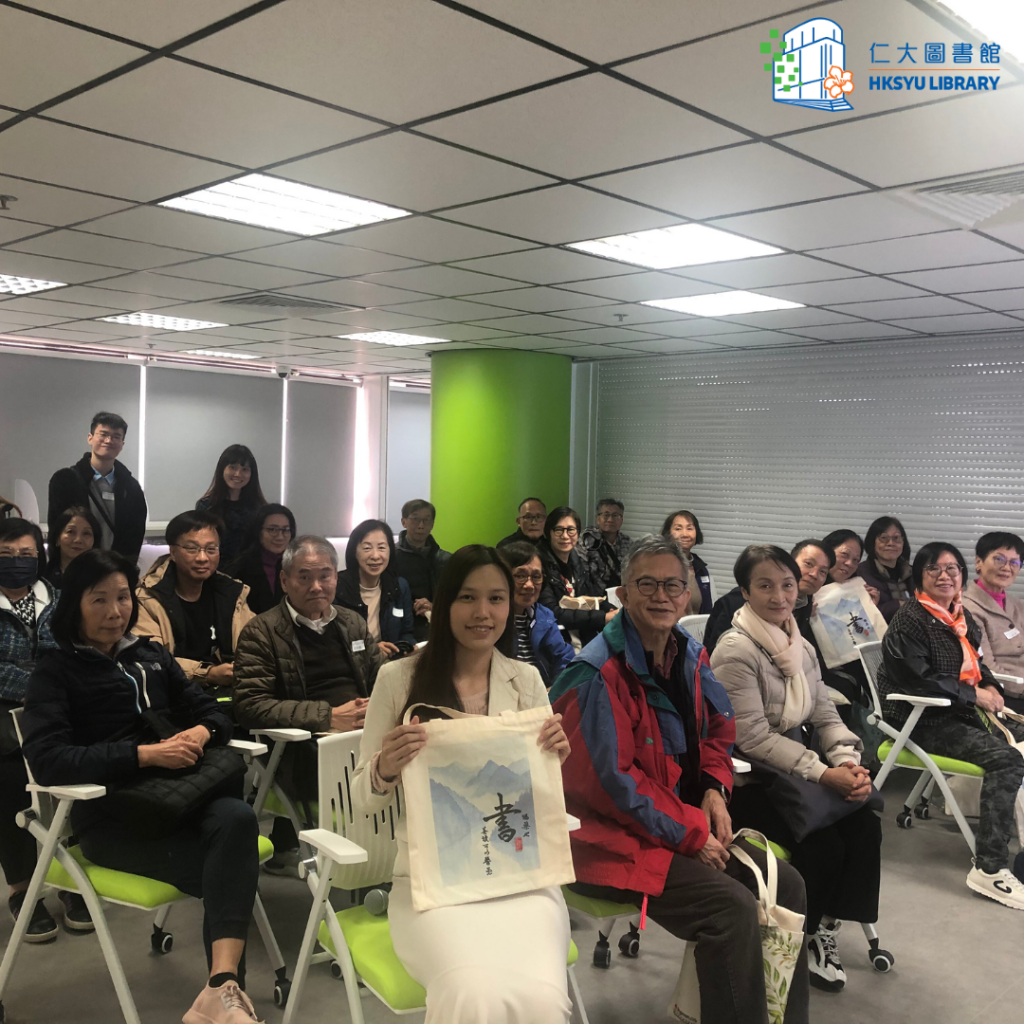
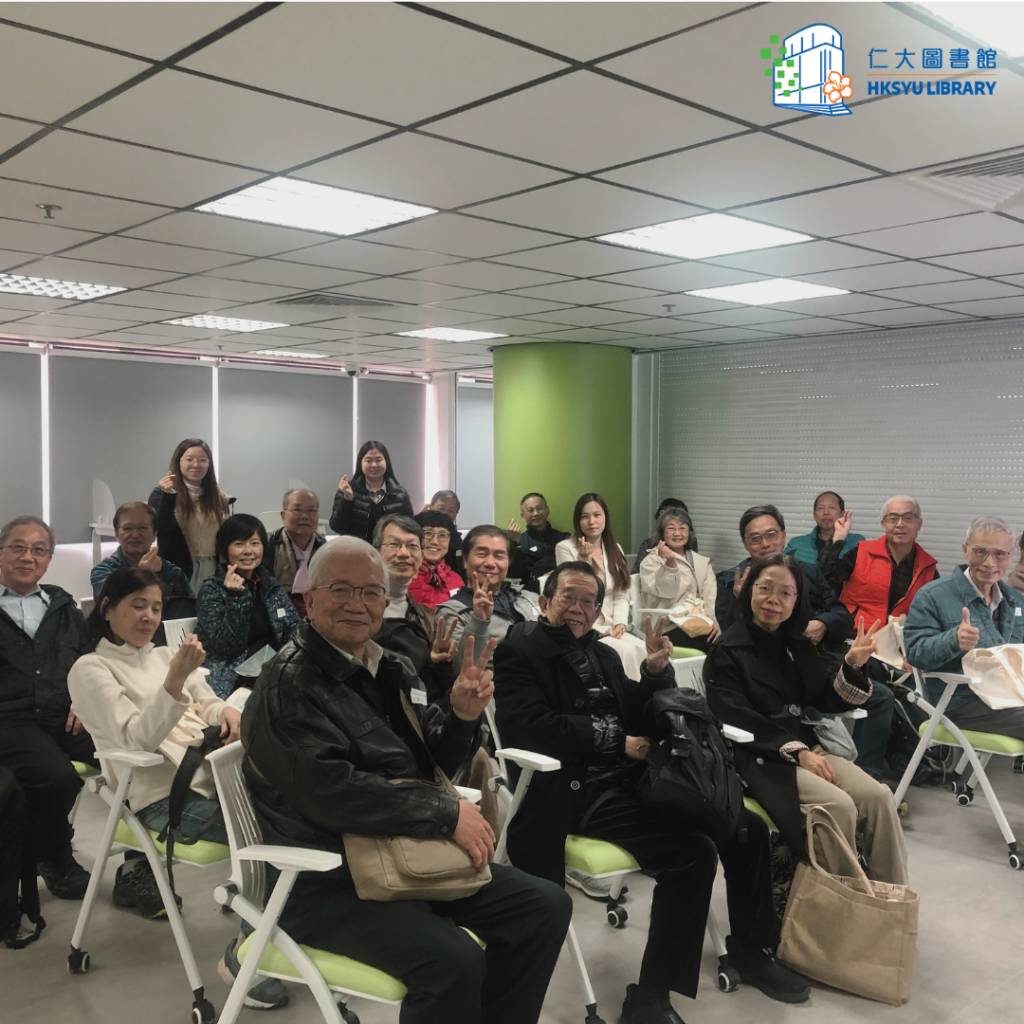
Last Thursday, students from the Elder Academy visited the Library and became familiar with library resources and facilities. Look forward to seeing you at the Library, dear seniors!
【圖書館迎新】長者學苑
上星期四,長者學苑的學員來到圖書館參觀,認識了圖書館的館藏資源以及設施。歡迎各位老友記到訪!
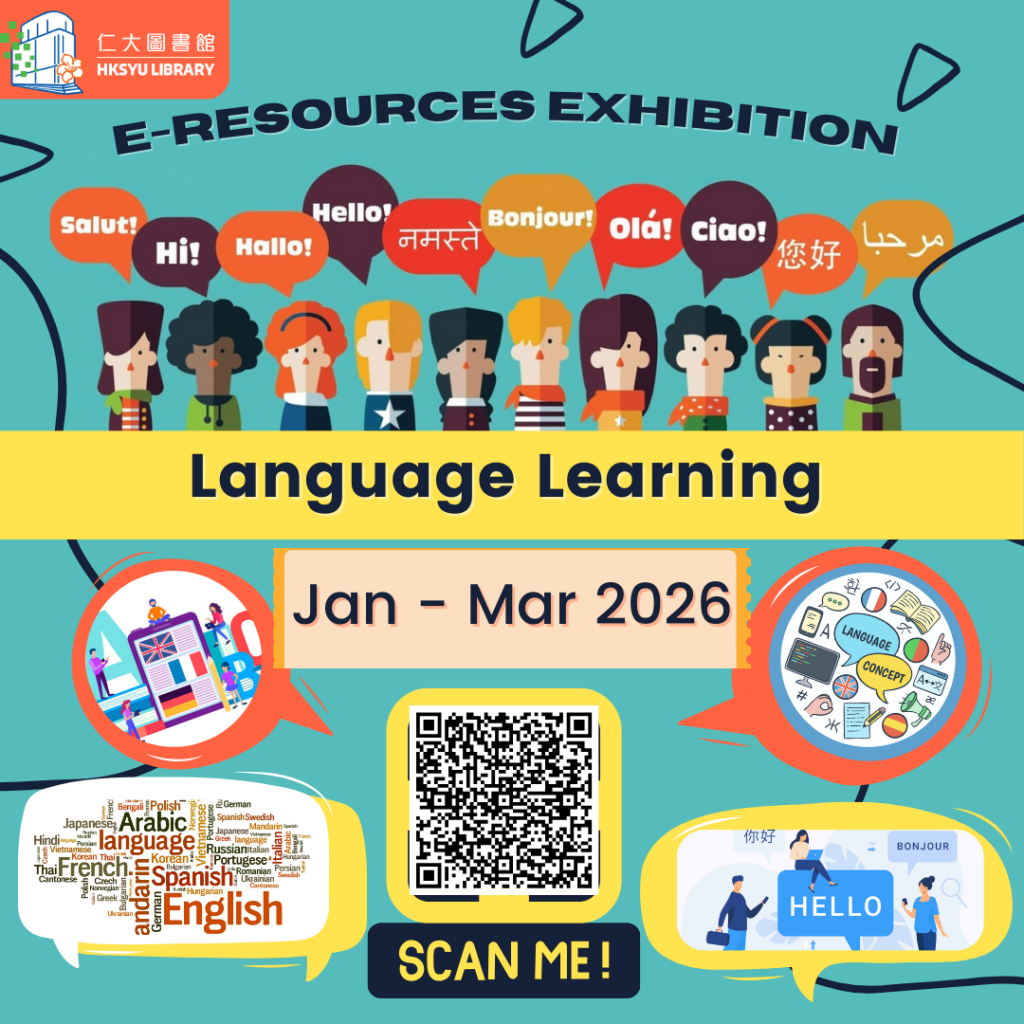
Are you interested in learning different languages?
Language is not only an important tool for communication?, and but it also helps you understand the culture and history of a country. A strong foundation in language can enhances your learning abilities. By learning different languages, you can also learn about the diverse cultures and the meanings they represent. It will help you make new friends.
This semester, the library is launching an online e-resource exhibition themed “Language Learning” . The library has selected some e-resources related to learning different languages, including e-books, e-journals, and local TV videos on learning English, Mandarin, Japanese, Korean, and French. These resources allow you to learn different languages anytime, anywhere, enhance your communication skills, and make new friends!
Exhibition period: January-March 2026
Browse all e-resources via the link below
Access link: https://bit.ly/ere_languagelearning
【電子資源展覽】語言學習
同學們,你有興趣學習不同的語言嗎?
語言,除了是人與人溝通的重要工具外,更能認識當地國家背後的文化和歷史。良好的語言基礎不但能加強你的學習能力,透過學習不同國家的語言,同學們更可以學習到語言背後代表的多元文化和意義,更有助你認識更多的新朋友。
今個學期圖書館推出的線上電子資源展覽的主題為「語言學習」,圖書館為你們揀選了一些有關學習不同語言的電子資源,包括關於學習英語、普通話、日語、韓語及法語等電子書、電子期刊和本地電視影片等,讓你隨時隨地學習不同國家的語言,加強你的溝通能力和認識更多新朋友 !
展覽時間:2026年1月- 3月
相關線上電子資源可以透過以下連結瀏覽
連結: https://bit.ly/ere_languagelearning
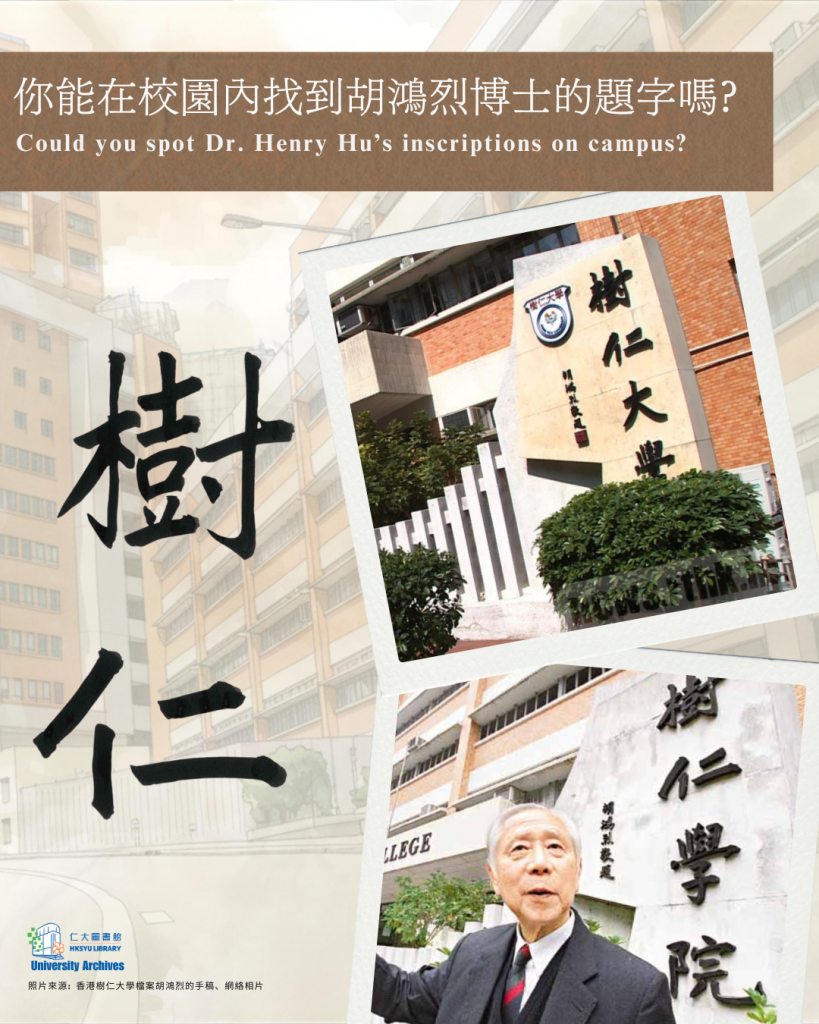
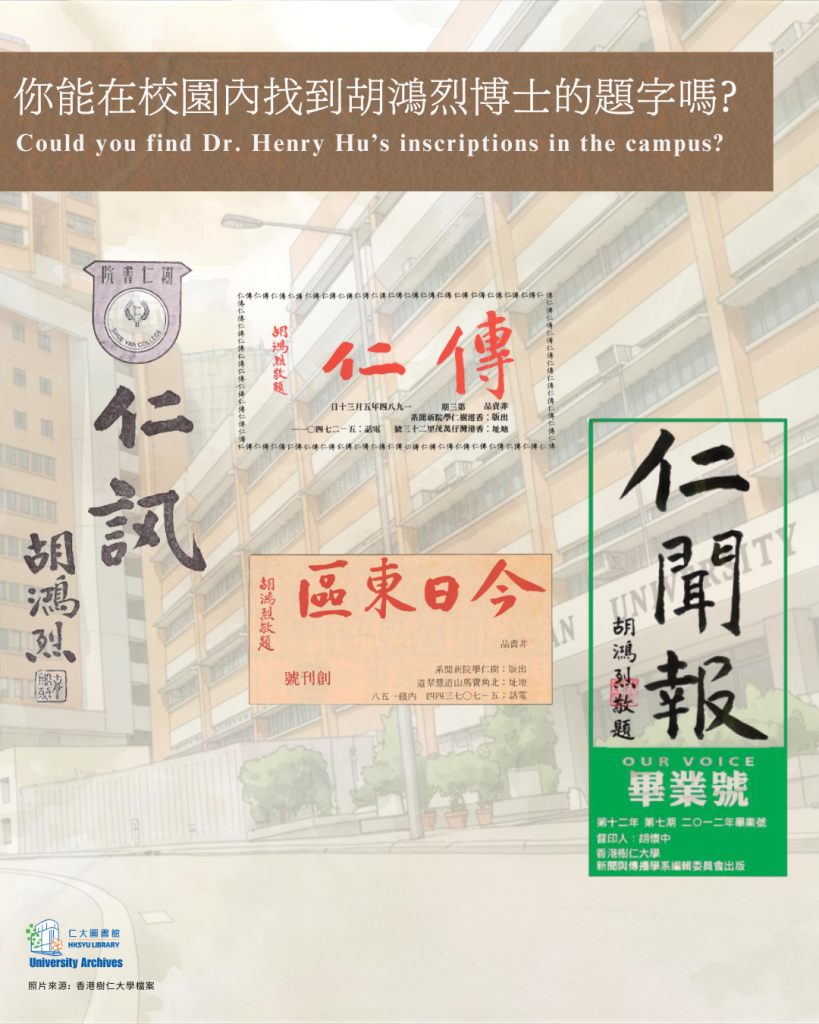
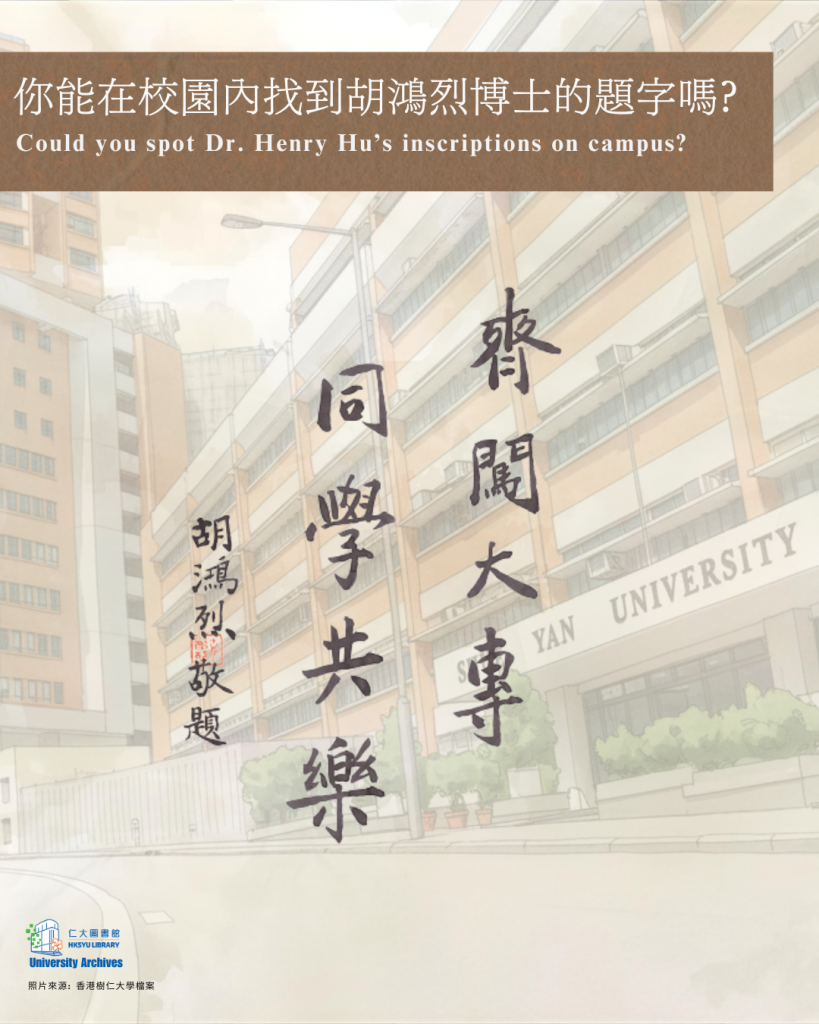
當你走到寶馬山教學大樓的門前,是否注意到那塊刻有「樹仁大學」字樣的校匾?其實,早在1986年,這裡就已經豎立一塊「樹仁學院」的校匾,那是由仁大創辦人之一胡鴻烈博士親自揮筆題字的。到了2006年,「樹仁學院」正式升格為「樹仁大學」。在這個重要的時刻,胡博士再次揮毫,將那段珍貴的歷史延續下去。
那麼,「樹仁」二字有何含義?翻閱《雙飛記——中國人的志氣歌》,前校長鍾期榮博士曾闡釋:「樹仁」的精神源自「百年樹人,樹之以仁」——培養能為社會作出卓越貢獻的人才,需要長久的耐心與努力;同時,在學生成長的道路上,以「仁愛」為核心,扶持他們茁壯成長。胡博士也在2007年新生入學典禮上強調:「自1971年創校以來,我們始終以仁者教育為目標,樹美德、立仁風,培養謙謙君子,貢獻社會,視此為己任。」
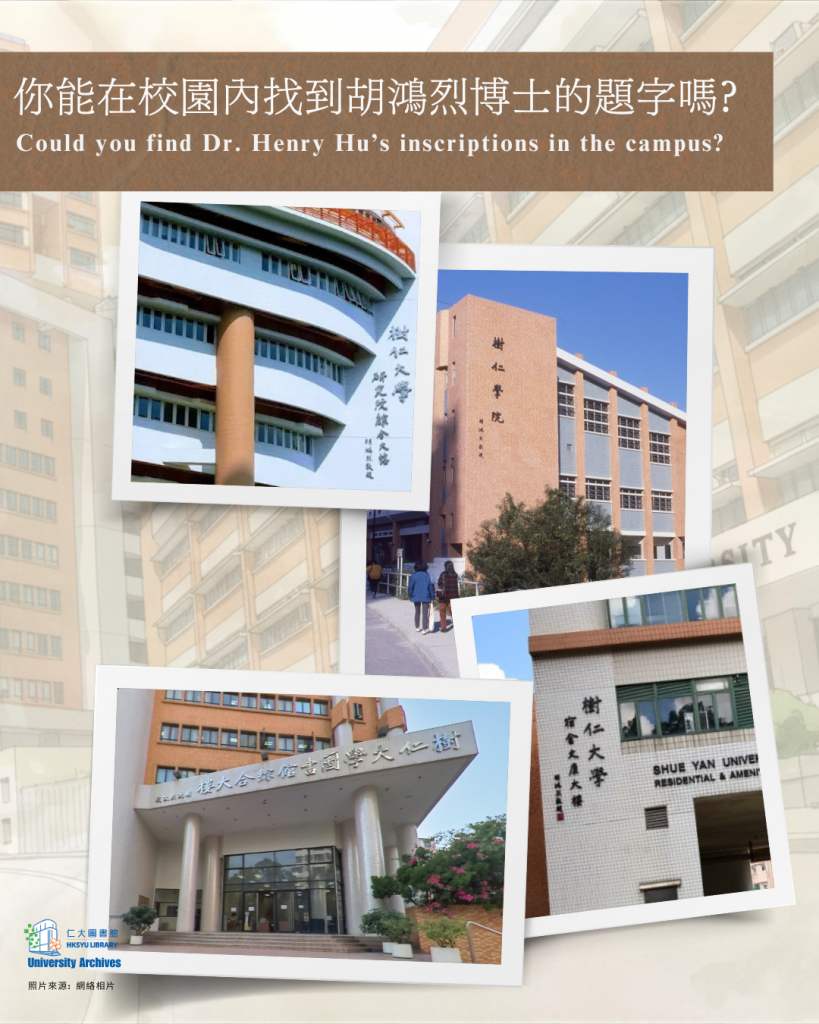
漫步校園,你會發現,這份精神不僅存在於理念,更凝結在一筆一劃之中。圖書館綜合大樓、宿舍及文康大樓、研究院綜合大樓的牌匾,皆出自胡博士之手;翻閱校刊與檔案,如《仁訊》、《仁傳》、《今日東區》及《仁聞報》,也能看到他的筆跡。這些題字,展現了他對教育的熱愛與投入,無論大小事務,他都親力親為,身體力行。或許,你在校園某個角落,也曾邂逅過這份珍貴的筆跡。如果你有新的發現,歡迎與我們分享!
瀏覽 Shue Yan AtoM 網頁發掘更多https://archives.hksyu.edu/index.php/newspapers-2
【University Archives】Could You Find Dr. Henry Hu’s Inscriptions on Campus?
When you stand before the Main Academic Building at Braemar Hill, have you noticed the plaque engraved with the words “Shue Yan University” in Chinese? This is more than just a sign—it is a piece of history. Back in 1986, a plaque bearing the name “Shue Yan College” was erected, personally inscribed by one of the university founder, Dr. Henry Hu Hung-lick. In 2006, when the college was granted a university title, Dr. Hu once again took up his brush, continuing this cherished tradition.
But what does “Shue Yan” truly mean? Dr. Chung Chi-yung once explained that its essence lies in the phrase: “A hundred years to nurture a person, rooted in benevolence.” In other words, cultivating individuals who can make outstanding contributions to society demands patience, perseverance, and time. At the same time, the journey of growth must be guided by the core principle of benevolence—helping students flourish with compassion at heart. At the Welcome Ceremony for New Students in 2007, Dr. Hu echoed this vision with the speech: “Since the founding of our campus in 1971, its objective has always been to provide an education on benevolence, with the concept of a four-year university programme upheld and a steadfast commitment to the right values in face of temptations and set a moral examples promoting the virtue of benevolence, with the view of transforming students into Literati imbued with an attitude of humility and dedicated to serving the larger society.”
As you wander around the campus, you will see Dr. Hu’s calligraphy on the buildings such as the Library Complex, the Residential and Amenities Complex, and the Research Complex. His distinctive writing also appears on the earlier university publications preserved within the library or university archives collection, including Voice of Virtue (仁訊), The Cultivator (仁傳), Eastern News (今日東區), and Our Voices (仁聞報).
Perhaps, in some corner of the campus, you might have come across Dr. Hu’s calligraphy. Each stroke on the wall tells the story of Shue Yan. Have you encountered other precious pieces on campus? If you discover something new, please feel free to share with us!
Explore more treasures on Shue Yan AtoM
https://archives.hksyu.edu/index.php/newspapers-2