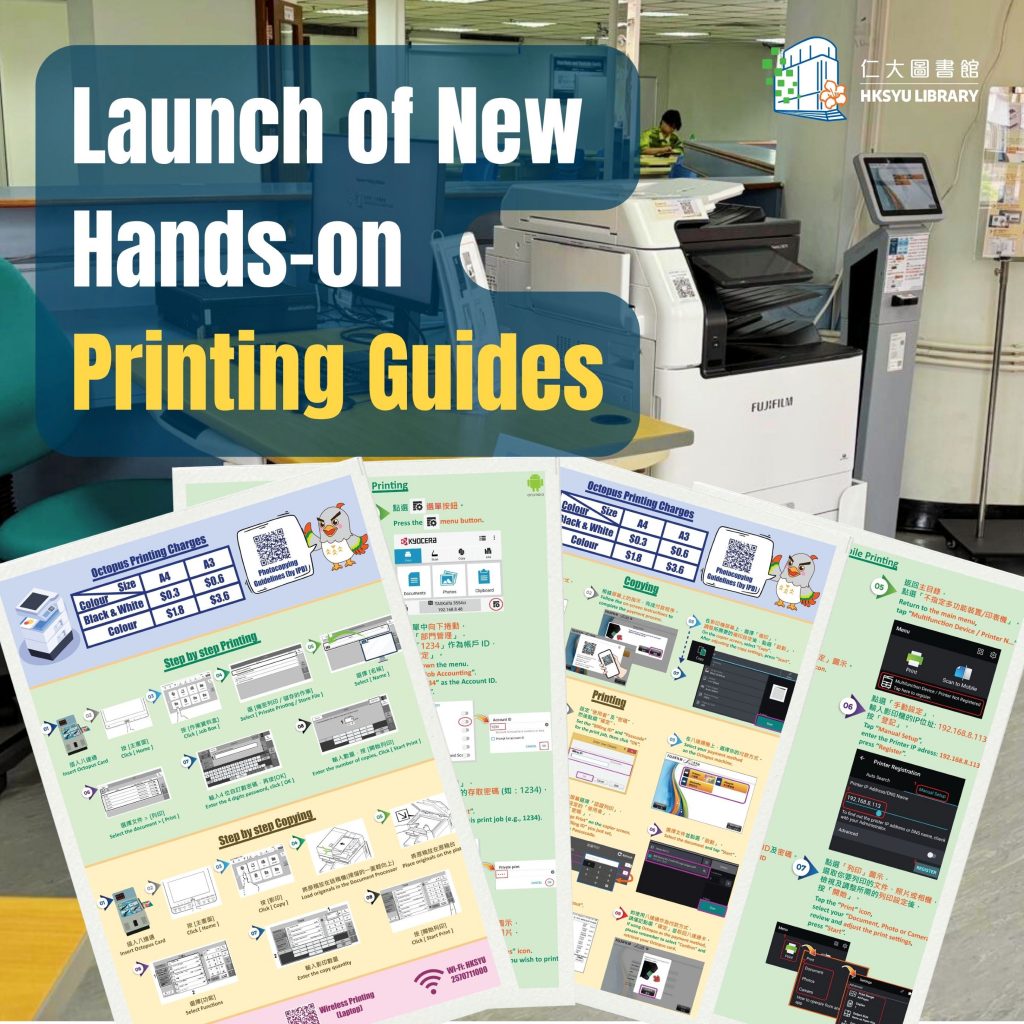
The new semester has started, and we have upgraded the photocopier on the second floor. Since quite a few students have questions about its use, we have placed instructions next to the machine for you to consult.
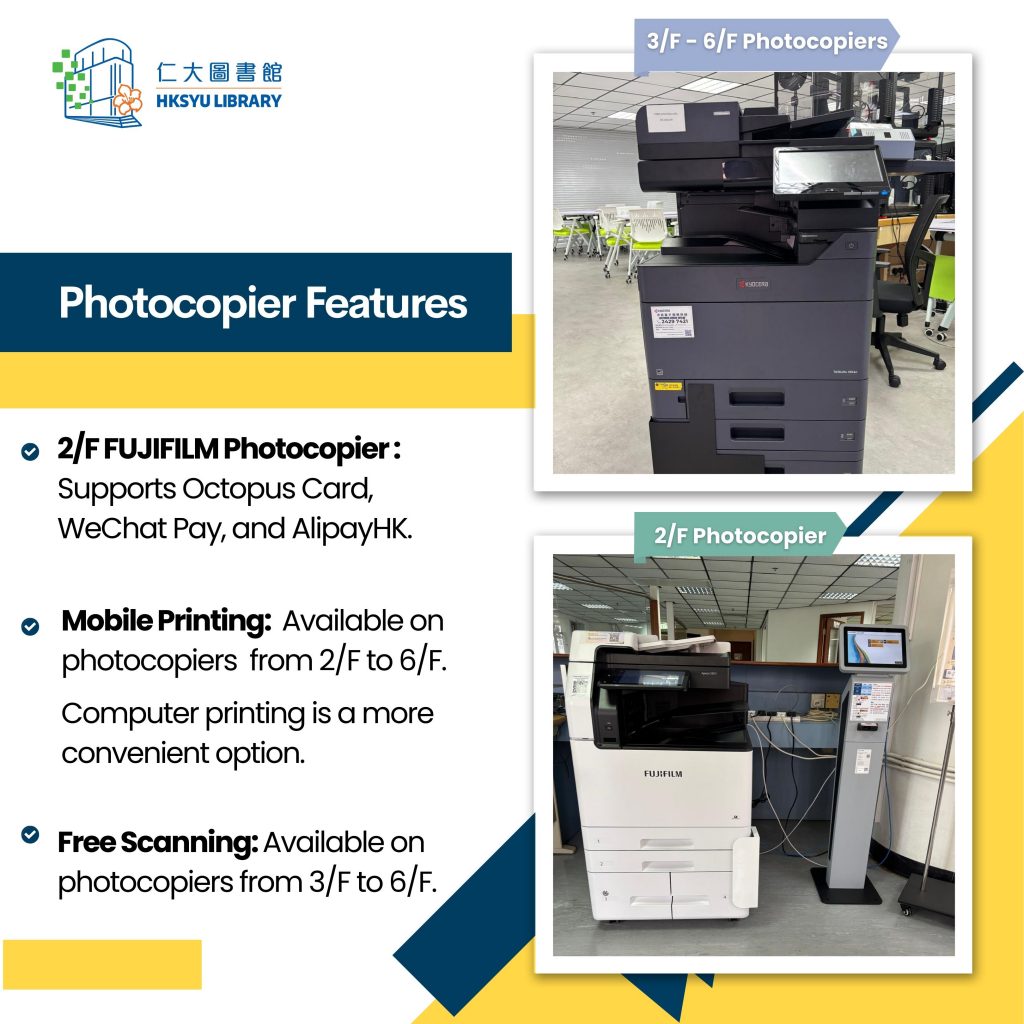
2/F FUJIFLM Photocopier :
- Support Alipay, WeChat Pay, and Octopus payment
- Available print on mobile through the “Print Utility V3” app (supports iOS & Android systems)
3/F – 6/F Kyocera Photocopier:
- Support Octopus payment
- Provide a free scanning function
- Available print on mobile through the “Kyocera Mobile Print” app (supports Android system)
For more information, please visit our website:
https://library.hksyu.edu/lib/SubjectsPlus/subjects/guide.php?subject=printer#tab-0
新學期依始,圖書館升級了2樓的影印機。我們收到一些同學查詢其使用方法,因此我們將使用說明放在影印機旁邊,歡迎各位查閱。
2樓 FUJIFLM 影印機:
- 支援 Alipay, WeChat Pay 以及八達通 3種付款方式
- 安裝 “Print Utility V3” 應用程式 ( 支援IOS及 Android系統) 便可以在手機影印
3樓至6樓 Kyocera 影印機:
- 提供八達通付款
- 免費掃描功能
- 安裝 “Kyocera Mobile Print” 應用程式 (支援 Android系統) 便可以在手機影印
詳細資訊請瀏覽圖書館網頁 :
https://library.hksyu.edu/lib/SubjectsPlus/subjects/guide.php?subject=printer#tab-0