Home > User Guide - Multi-Function Photocopiers in the Library

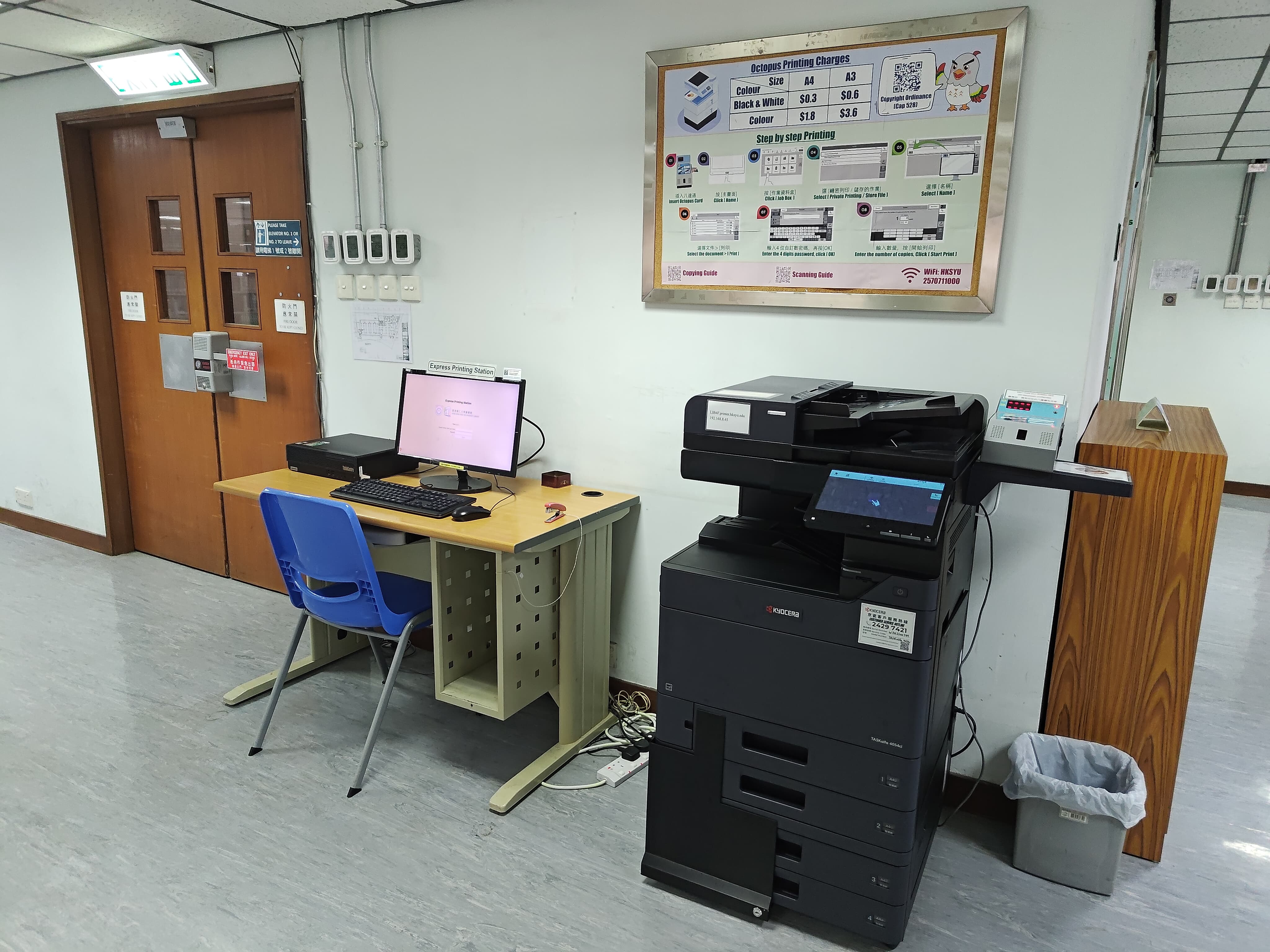
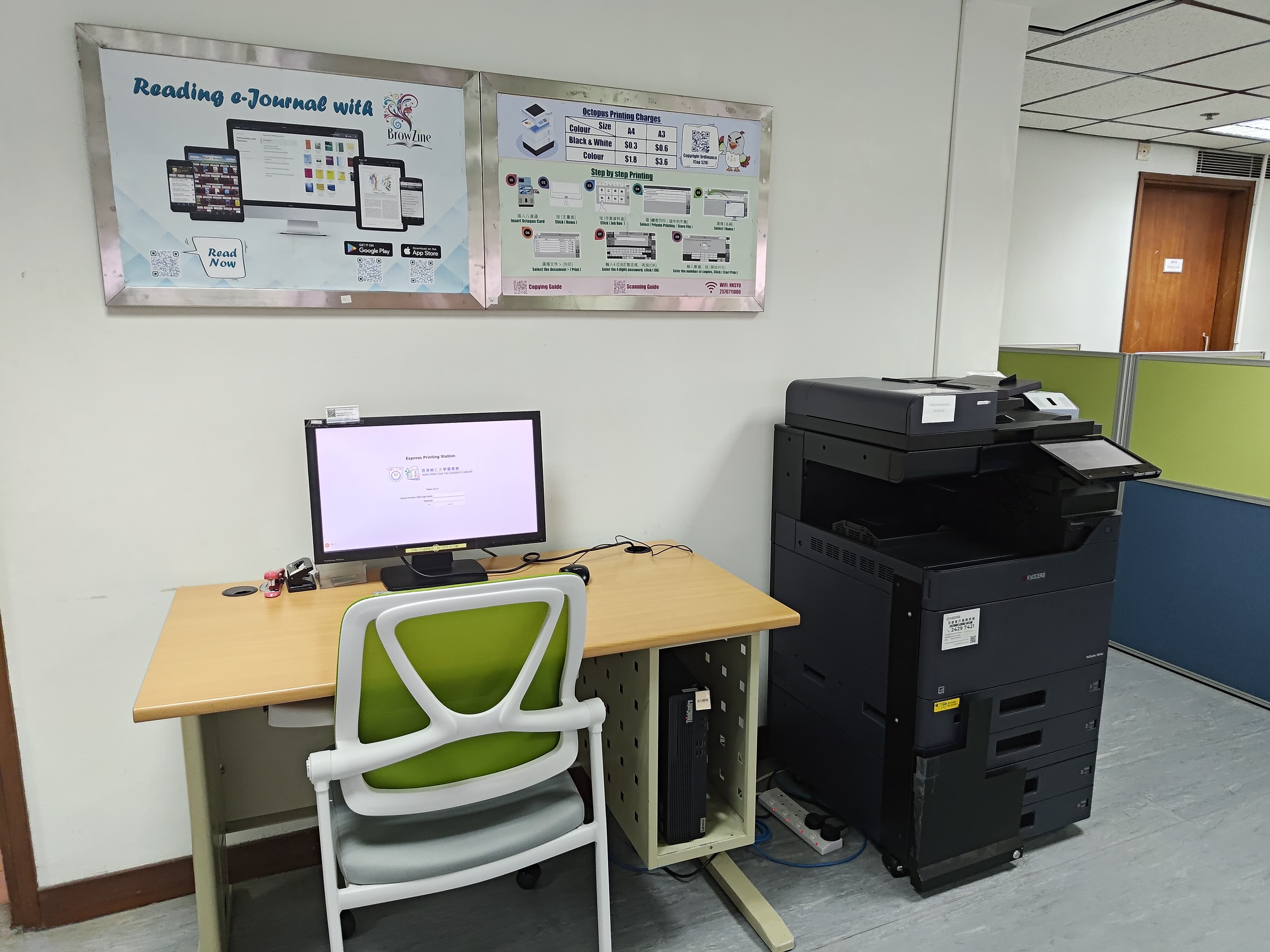
Printing Cost
  A4 A3
Black & White $0.3 $0.6
Colour $1.8 $3.6
Scanning Free of charge
Mobile Printing in the Library
To use the mobile printing in the Library, please refer to the user guide below according to the type of photocopier:
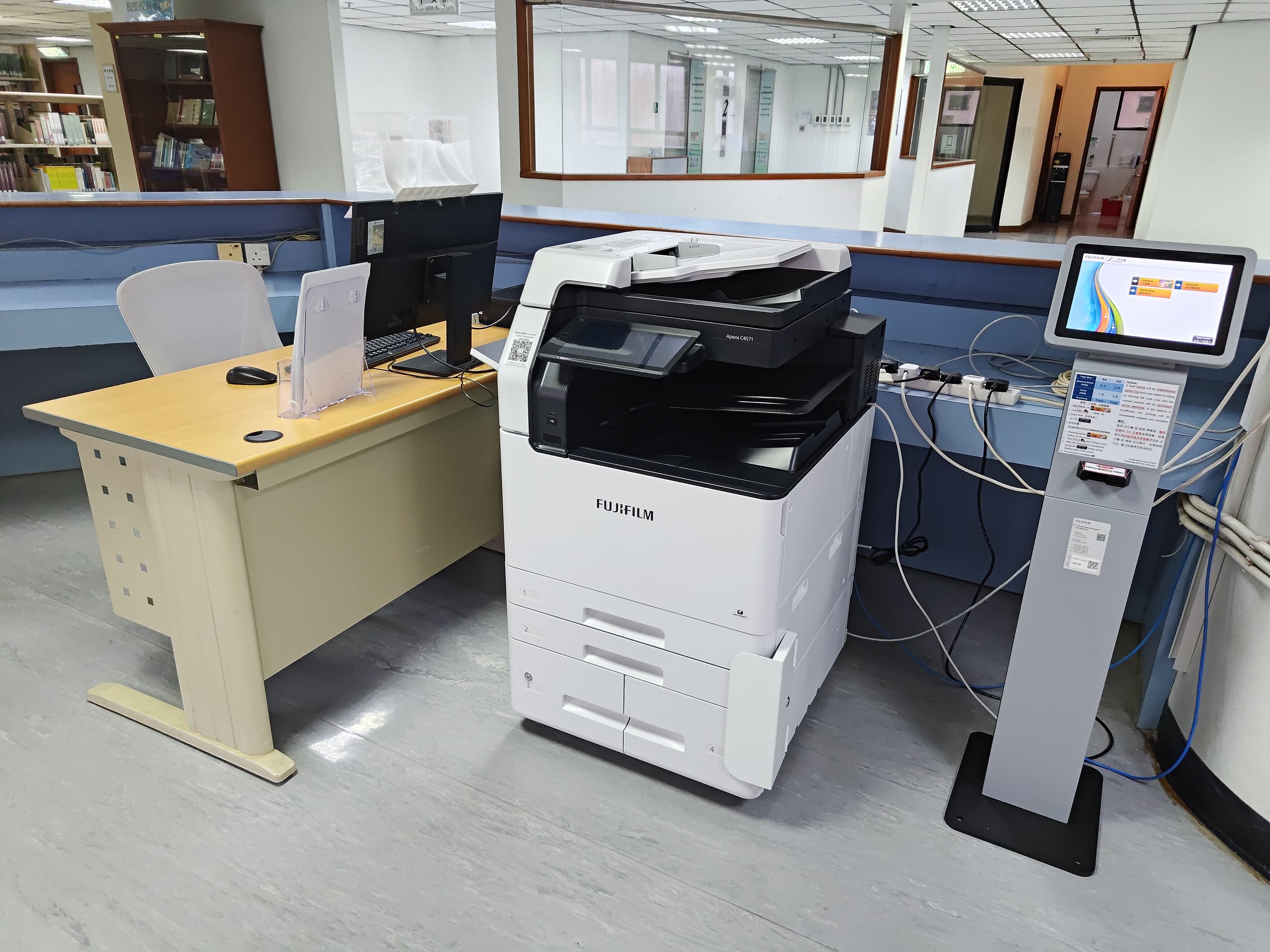
How to Print to Kyocera MFP in Library
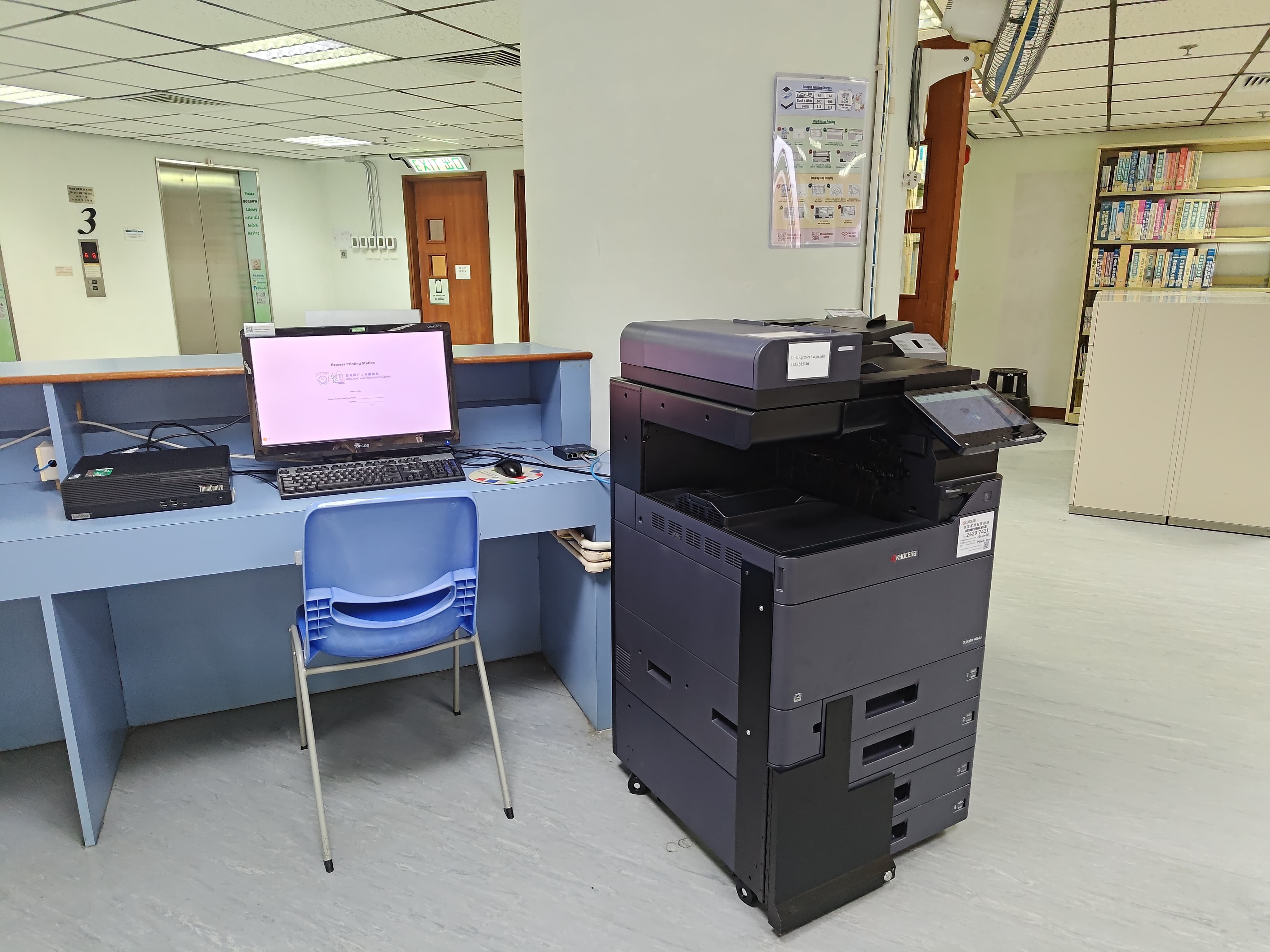
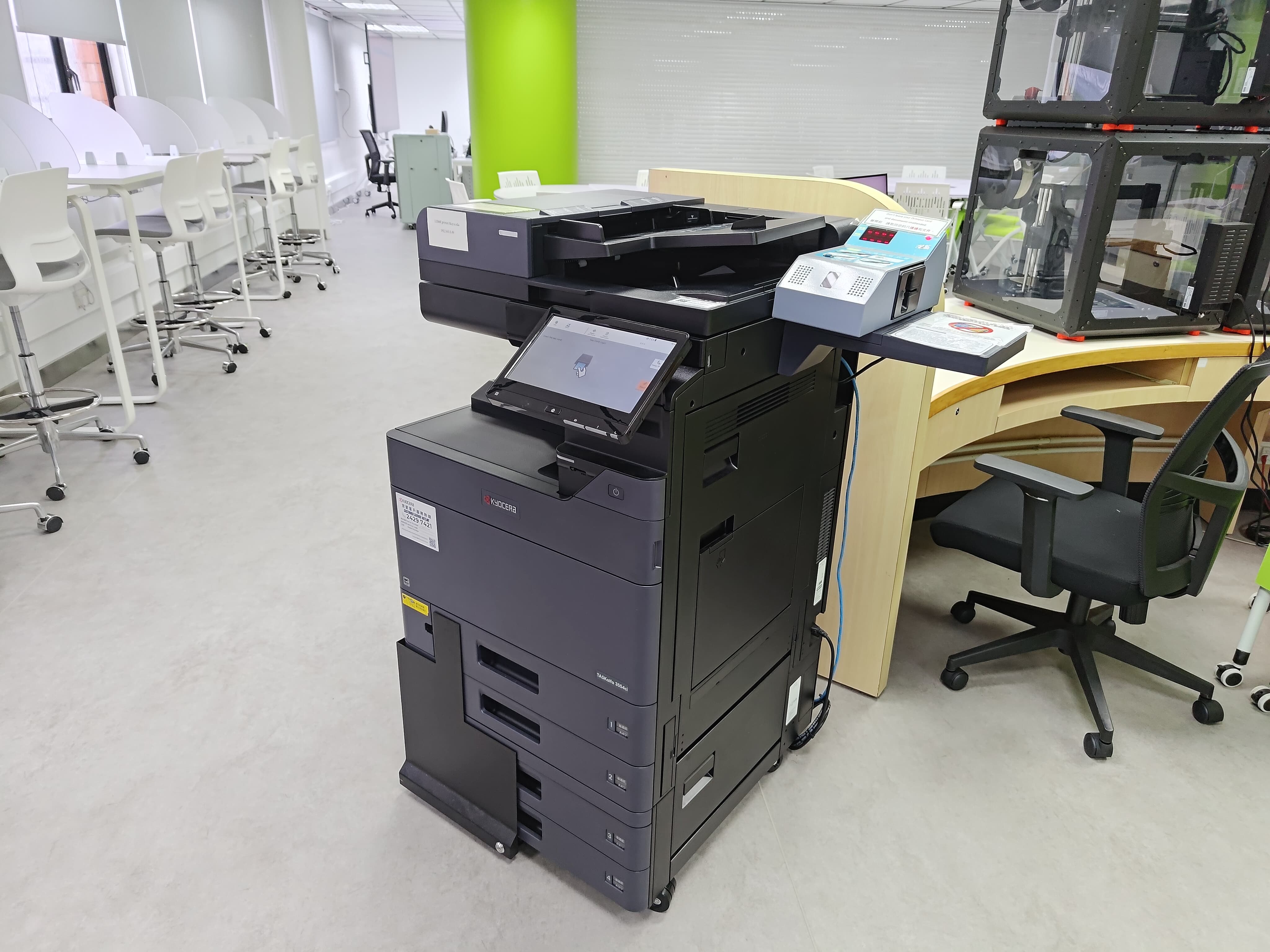
Photocopier Location
 IP Address Location
2/F
IP: 192.168.8.113
Fujifilm Photocopier
3/F
IP: 192.168.8.46
Kyocera Photocopier
4/F
IP: 192.168.8.45
Kyocera Photocopier
5/F
IP: 192.168.8.48
Kyocera Photocopier
6/F
IP: 192.168.8.49
Kyocera Photocopier
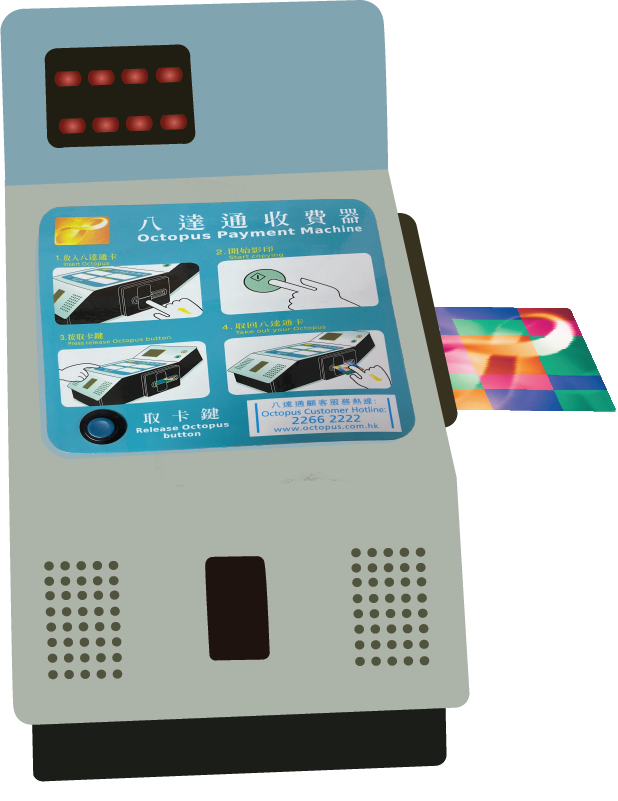
Insert Octopus Card to start
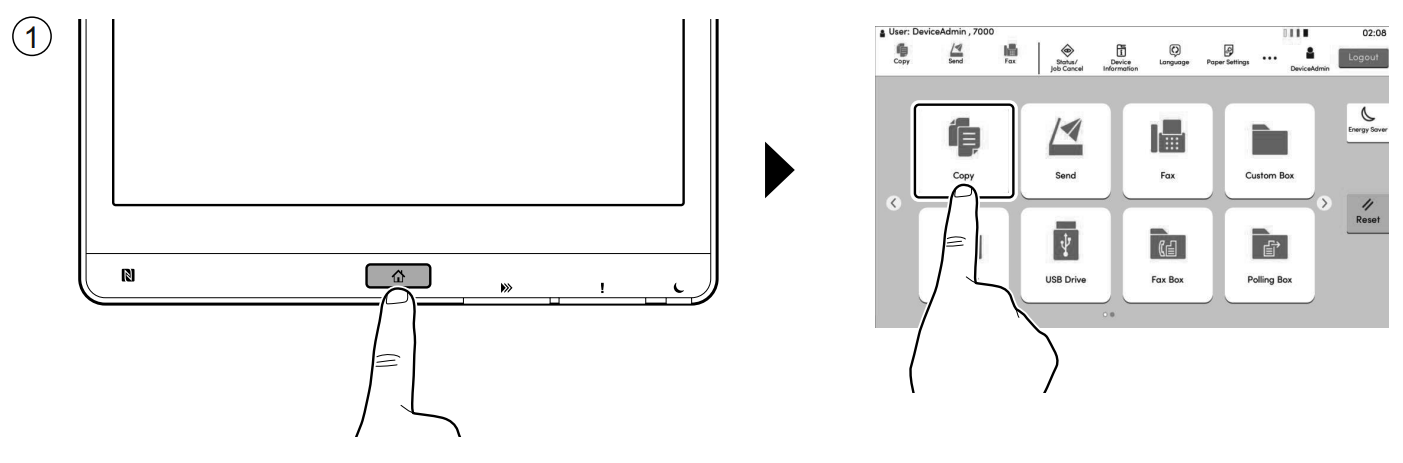
Step 1 - Click Home button > [Copy]
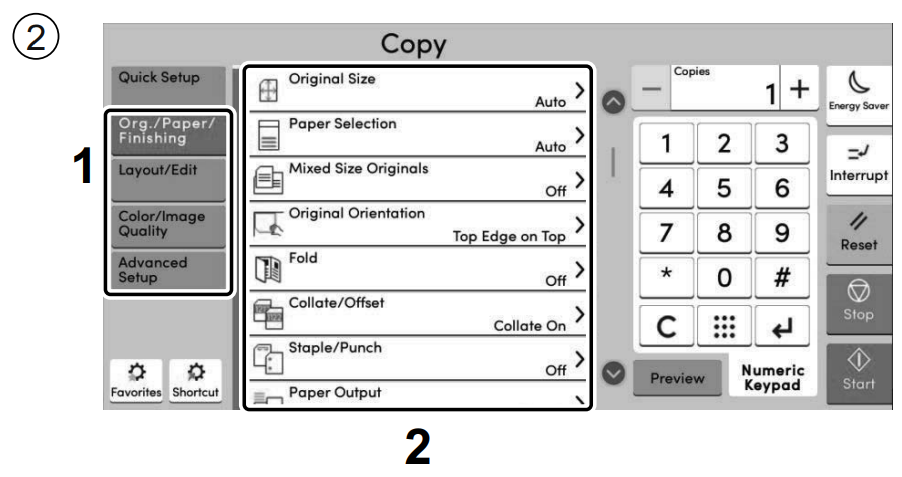
Step 2 - Select the functions
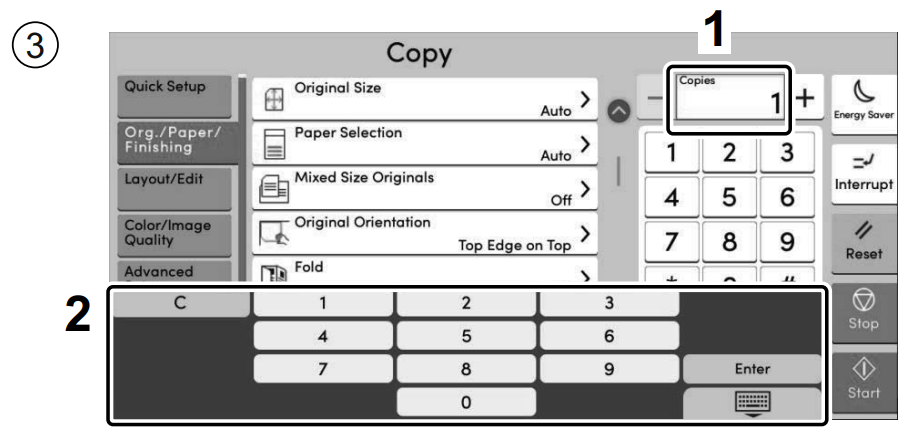
Step 3 - Enter the copy quantity
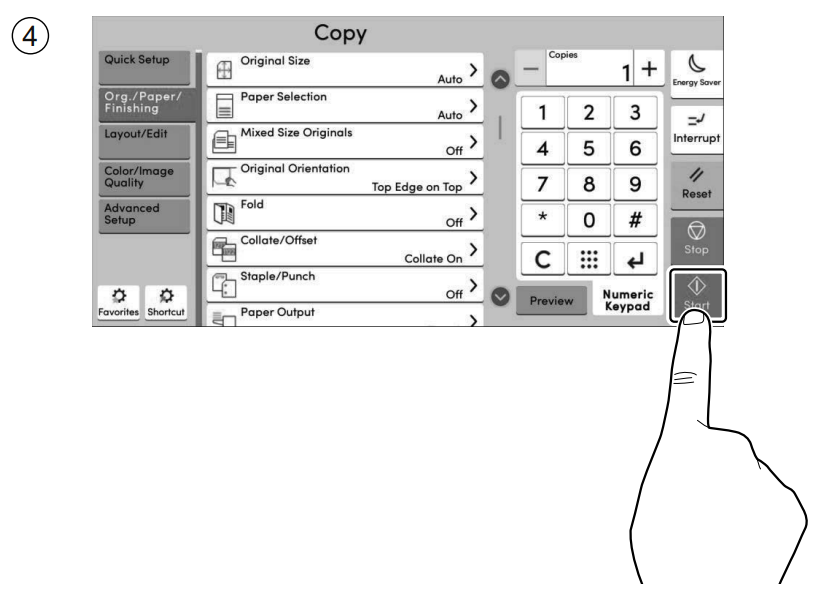
Step 4 - Press the [Start] key
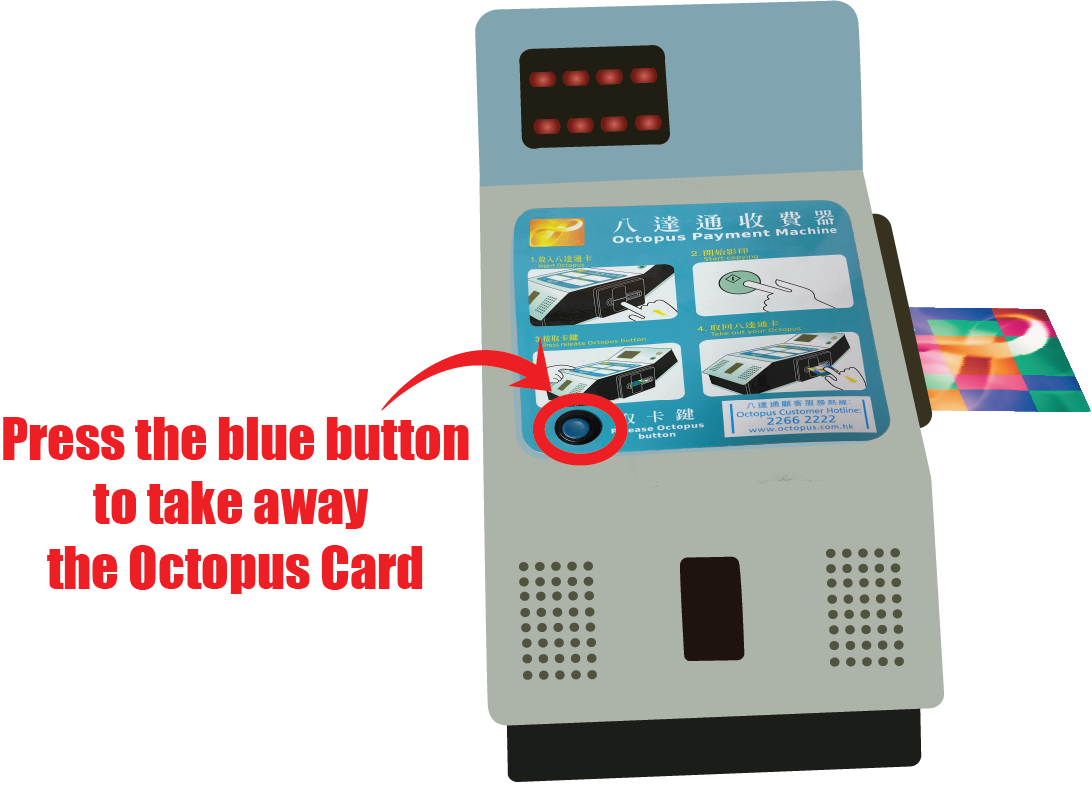
Reminder to get your Octopus Card back!
Insert Octopus Card to start
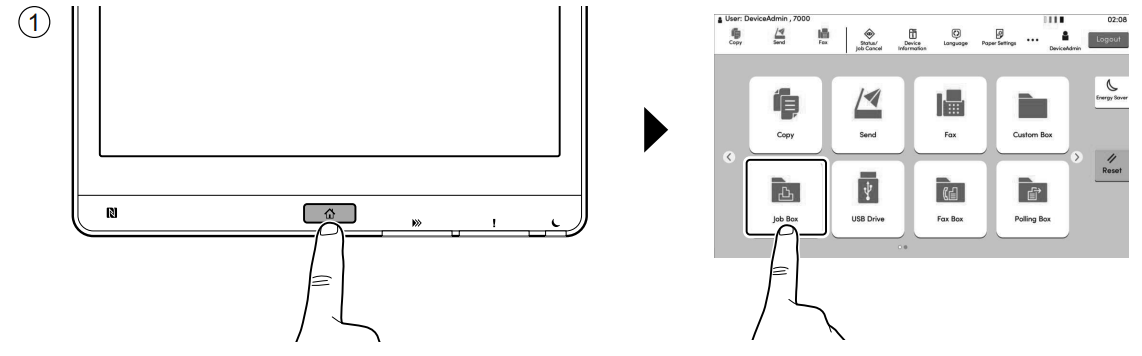
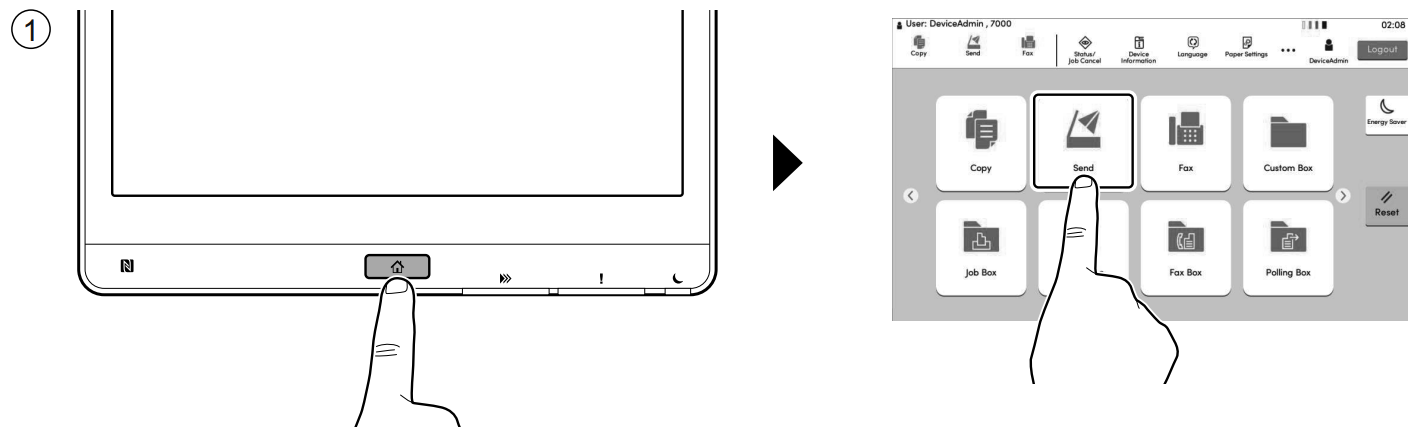
Step 1 - Click Home button > [Job Box]
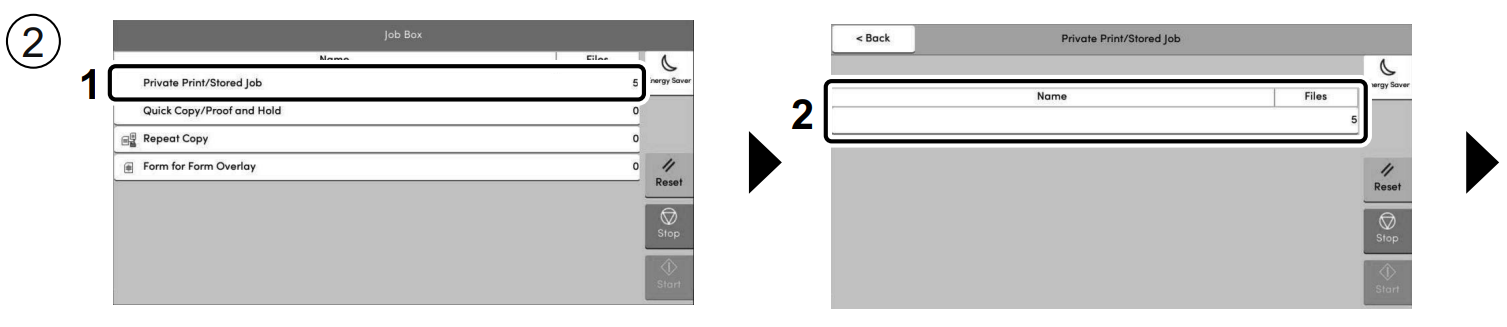
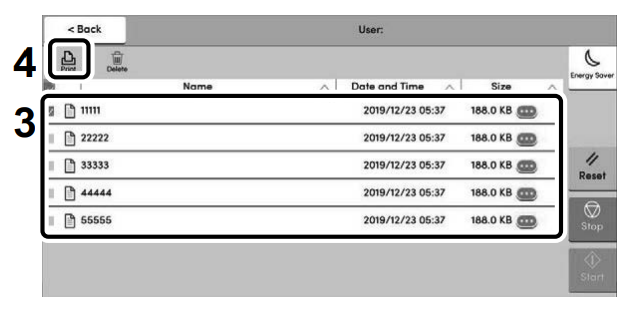
Step 2 - Select [Private Print / Stored Job] > Select the document to print > [Print]
       
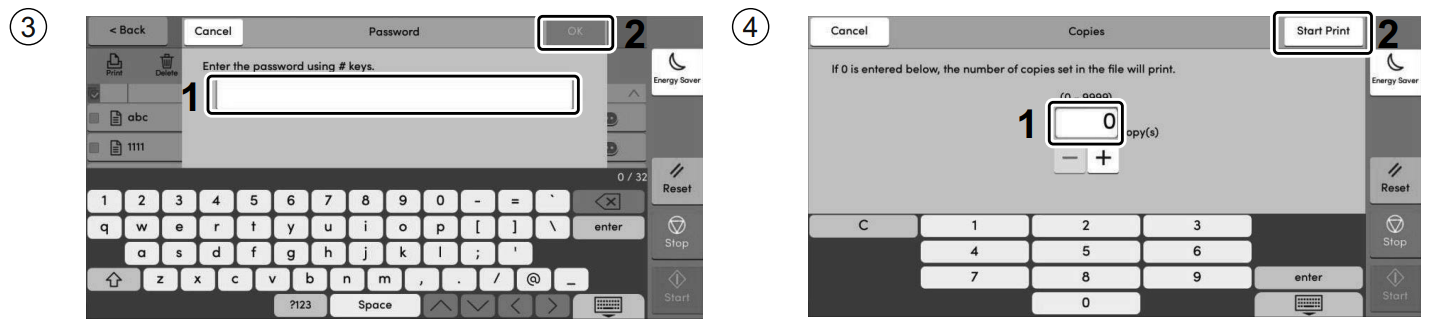
Step 3 - Enter the password > [OK] >Specify the number of copies > [Start Print]
Reminder to get your Octopus Card back!
Insert Octopus Card to start
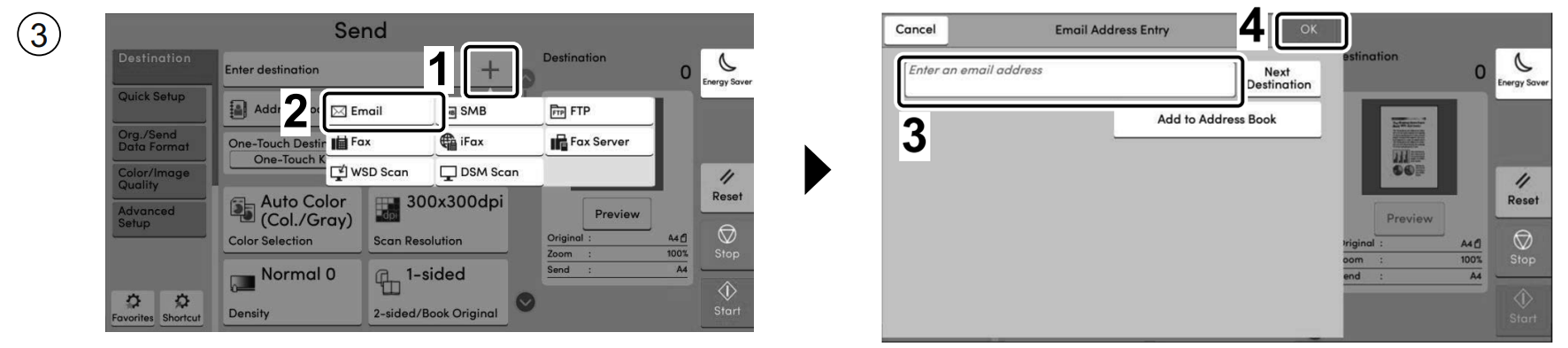
Step 1 - Click Home button > [Scan]
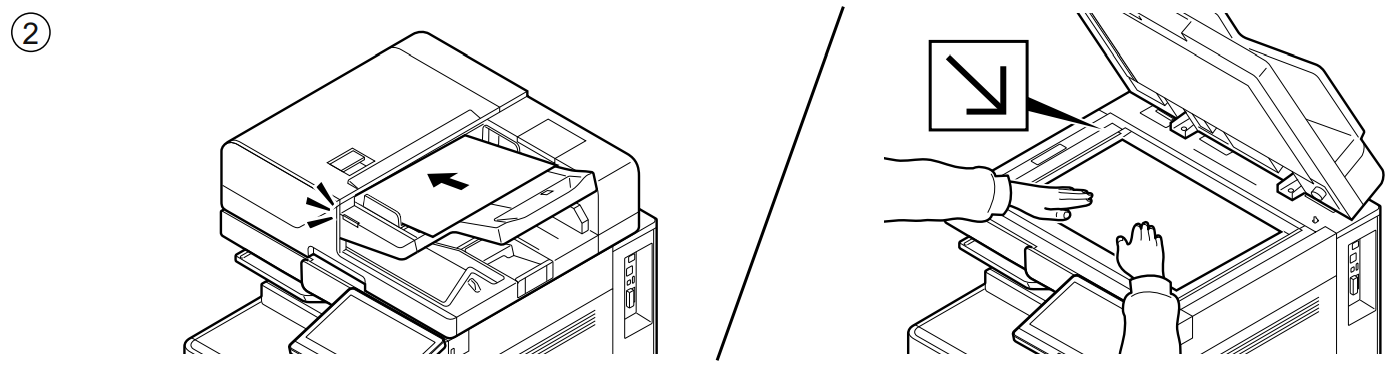
Step 2 - Place the originals.
Step 3 - Select [E-mail Addr Entry] > Enter destination E-mail address > press [OK]
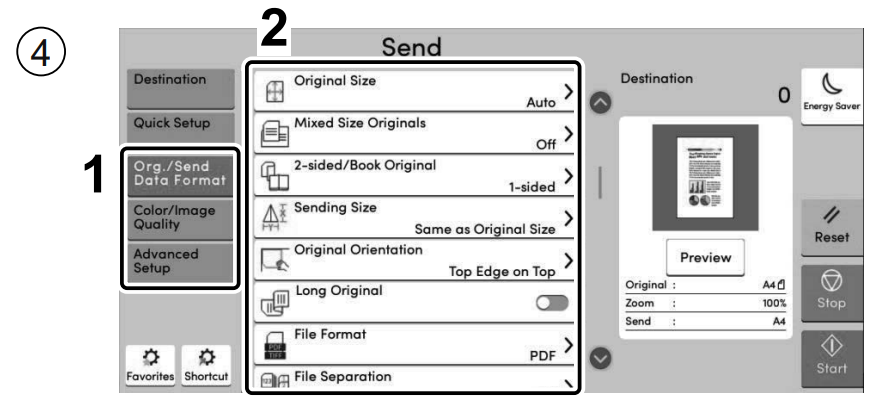
Step 4 - Select the functions
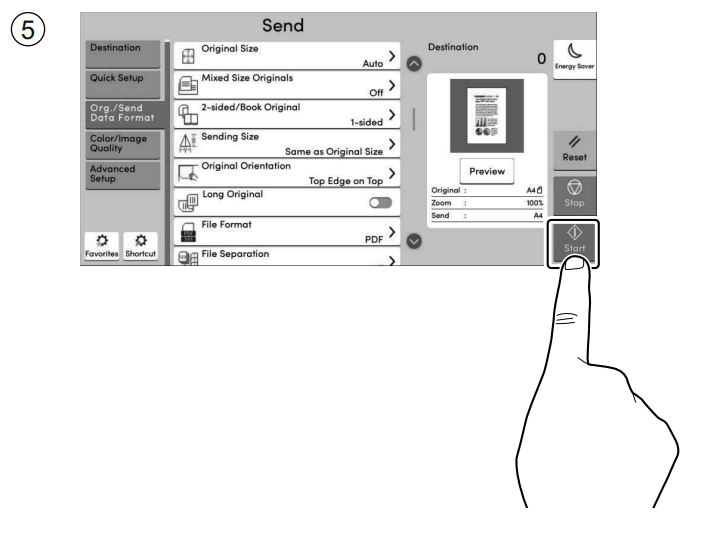
Step 4 - Press the [Start] key
Reminder to get your Octopus Card back!