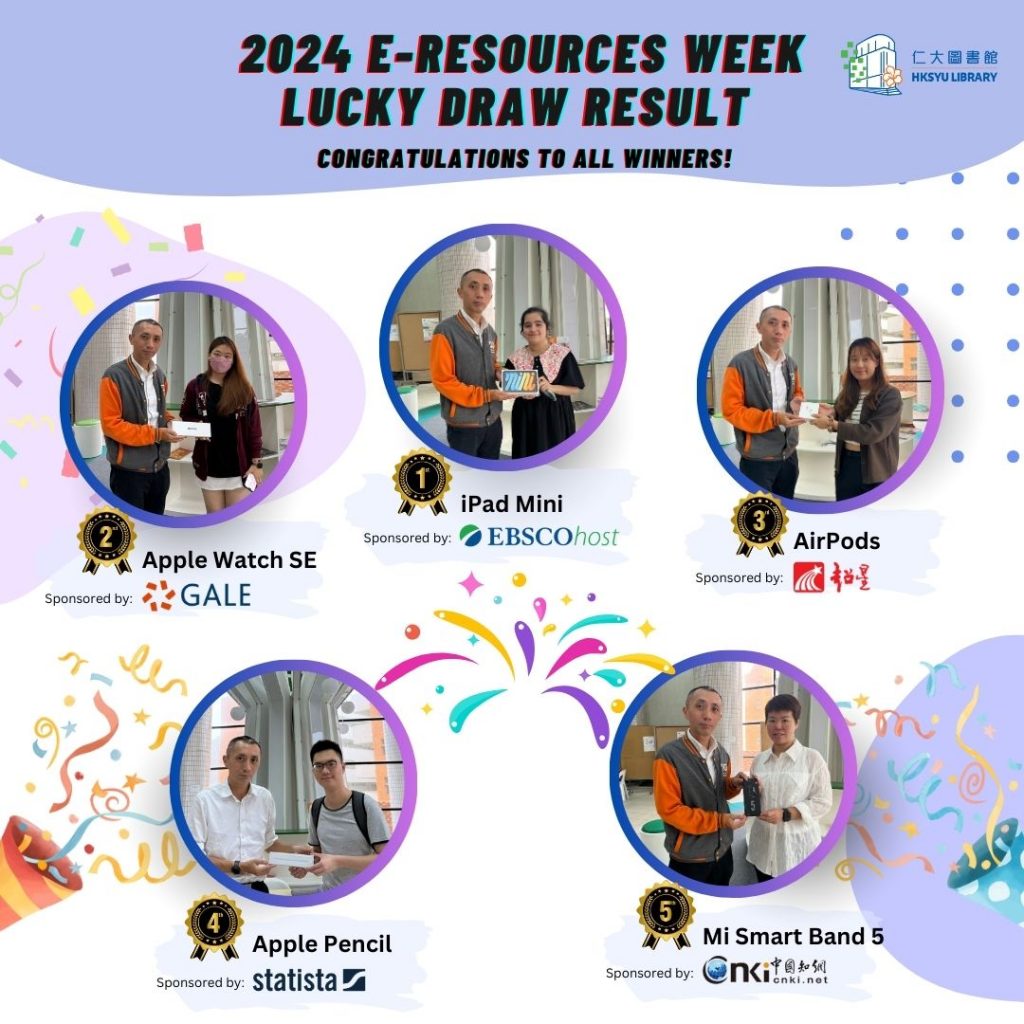
The results of E-Resources Week 2024 have been announced. Thank you to all students and staffs for your active participation, and a special thanks to all the database vendors that sponsored this event. Congratulations to all the lucky winners!
Winners who have not yet collected their prizes are encouraged to redeem them at the G/F Counter of the Library as soon as possible.
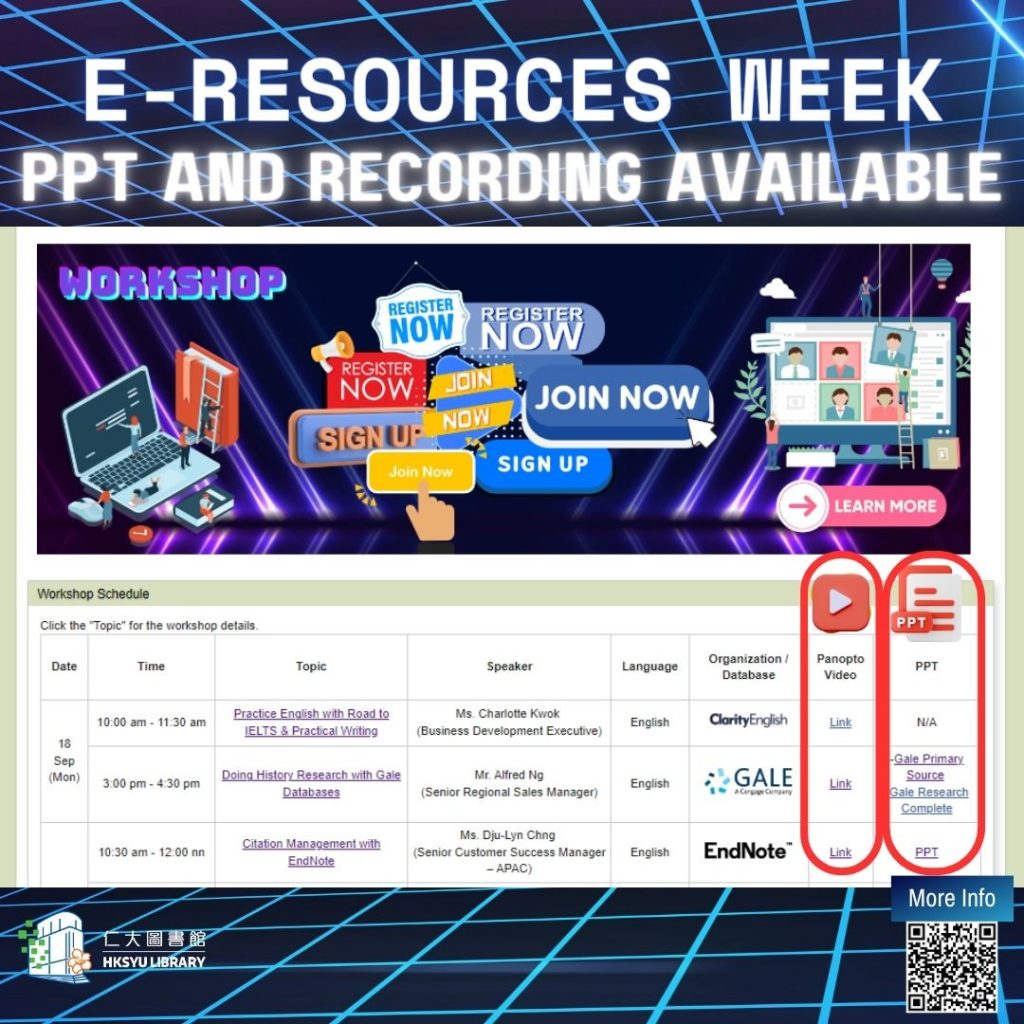
[E-resources Week workshops – PPT and Recording are available now] E-resources Week – workshop presentation slides and recordings have been uploaded to the library website and HKSYU Panopto. Staff and students can log in to Panopto using their Moodle account to watch.
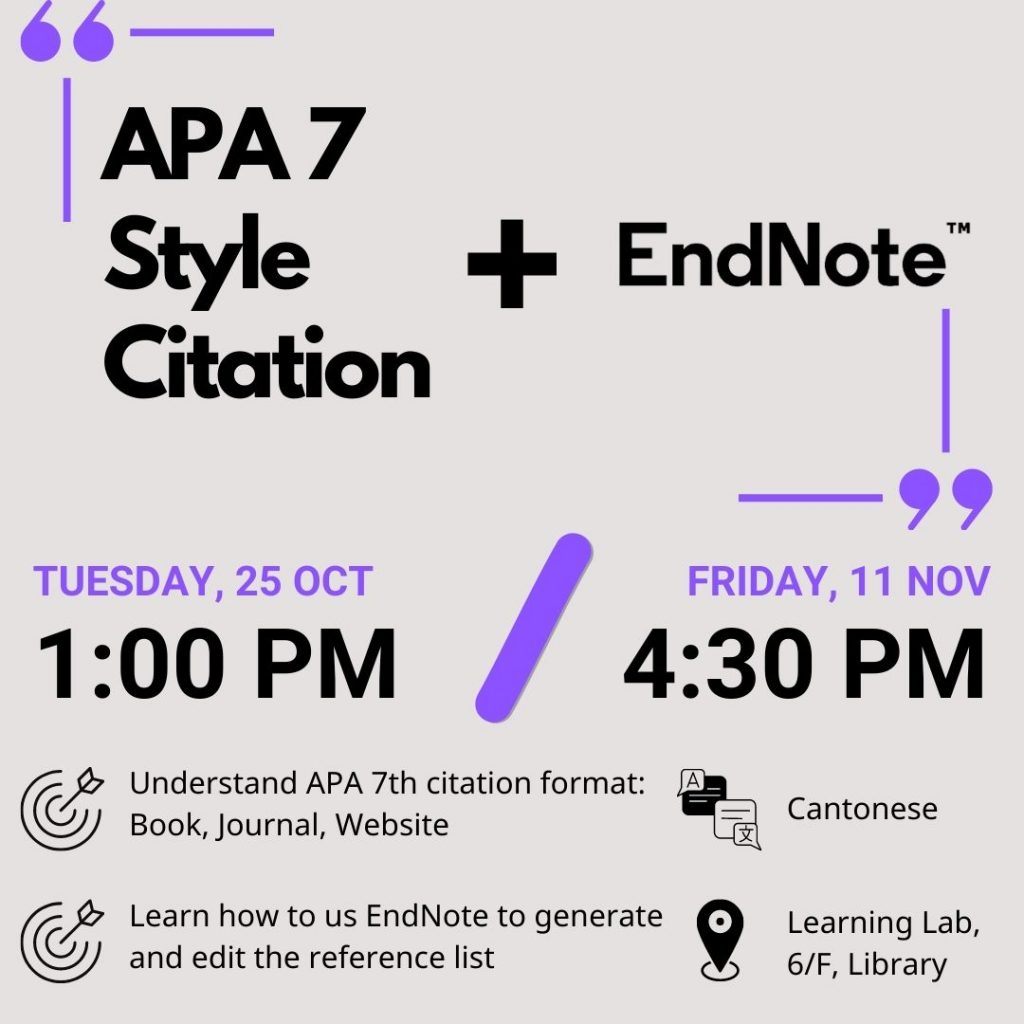
[Library October Workshop 3: APA 7th
style citation and EndNote]
In addition to providing RefWorks, a bibliography management tool, the library also subscribed to EndNote in October this year. Therefore, you can now use EndNote, RefWorks, Mendeley or Zotero to make reference lists quickly.
Topics in this workshop include not only the skills to use EndNote to generate and edit reference lists effectively but also introduces the basics of APA 7th citation and four commonly used citation formats: book, e-book, article, and website.
To register for the Library workshop, you can visit our Library Website: “Help -> Library Instructions” OR Ask our library bot OR Scan the QR code on the next page.
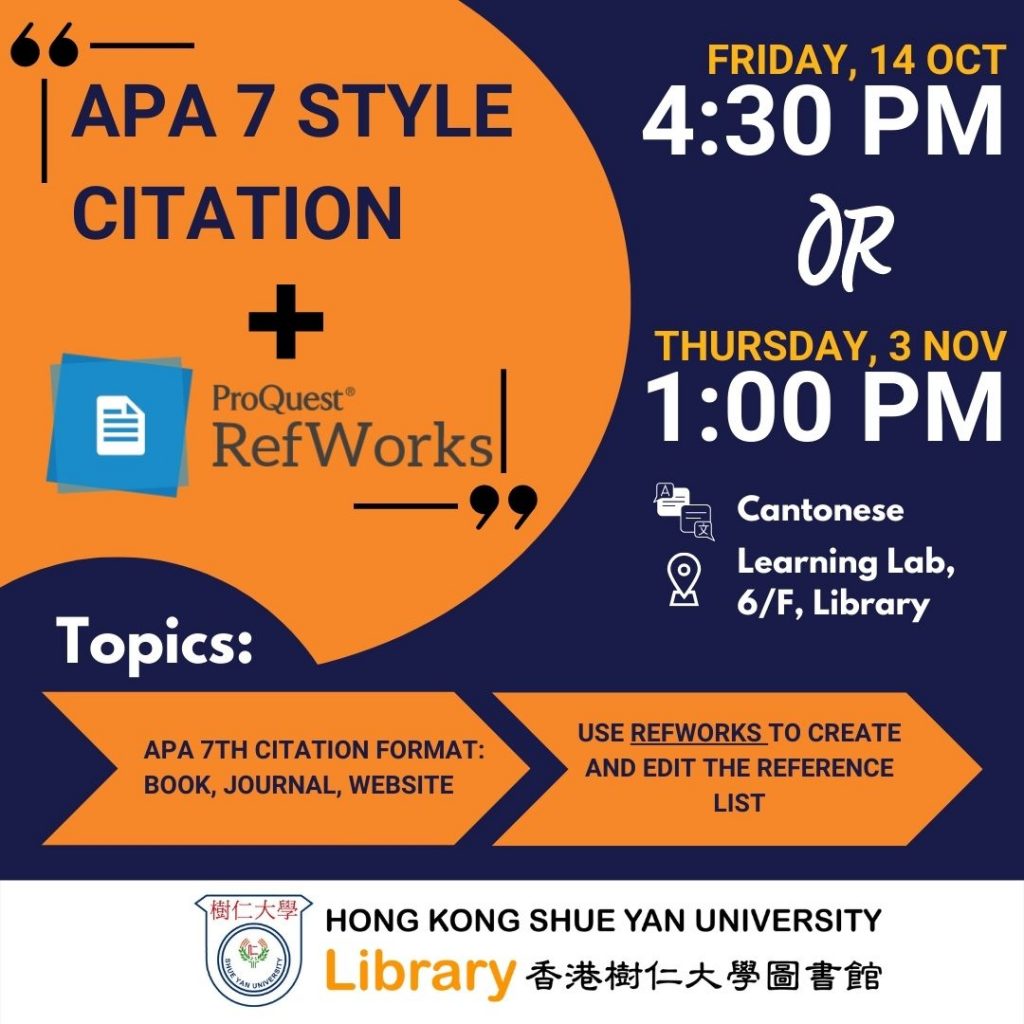
[Library October Workshop 2: APA 7th
style citation and RefWorks]
To avoid plagiarism, you have to make sure you have cited and listed all the information sources in your works. There are numerous popular citation styles worldwide, like American Psychological Association (APA), Modern Language Association (MLA) and Chicago/Turabian.
In this workshop, you will understand one of the famous citation styles: #APA7th style citation and the citation styles for books, e-books, articles, and websites. You will learn to use RefWorks, a web-based bibliography management tool, to efficiently generate and edit the reference list.
To register for the Library workshop, you can visit our Library Website: “Help -> Library Instructions” OR Ask our library bot OR Scan the QR code on the next page.